


 Computer Display
 .png) Gaming Console
Gaming Console  Microsoft
  Apple
Apple .png) Samsung
Samsung .png) Huawei
Huawei .png) Xiaomi
Xiaomi .png) OnePlus
OnePlus .png) Sony
Sony  Wiko
Wiko .png) Google
Google .png) Oppo
Oppo .png) Vivo
Vivo .png) Realme
Realme .png) Alcatel
Alcatel .png) Moto
Moto  Smartphones
  Tablets
  Computer
  Smartwatches
  Home Smart Gadgets
  Mobility Gadgets
  Gaming
  Power supply
  Audio
Audio  Protections
  Phone Supports
  Memory Card
  Computer Peripherals
  E-Cigarette Smoker
  Office Automation
  Apple Store
 .png) Samsung Store
Samsung Store .png) Xiaomi Store
Xiaomi Store  Mayline
  LinQ
LinQ .png) Devia
Devia  WUW
WUW  Opening Tools
  Disassembling tools
  Adhesive Glues
  Deoxidation, Disbonding and Cleaning Devices
  Welding, Microwork
  Programmers and testers
  Remanufacturing Screens
  Packaging, Organizing and Displaying Tools
  Personnalisating and Protecting Machines
  Equipment and Lazer Machine
Screen iPhone
There are 360 products.
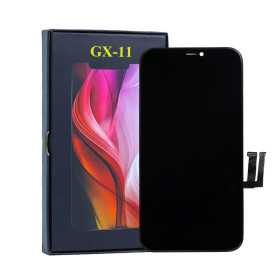
Screen iPhone 11 (In-cell) GX
Les écrans (In-cell) sont révolutionnaires dans le sens où ils combinent un numériseur, utilisent une entrée tactile et intègrent un écran LCD dans un écran monocouche. Certains rapports suggèrent également que les écrans à technologie (In-cell) offrent une meilleure résolution par rapport aux écrans LCD standard
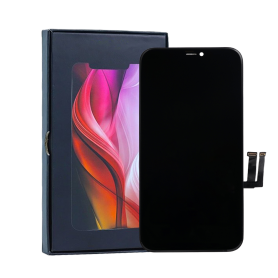
Screen iPhone XR (in-cell) GX
Les écrans (In-cell) sont révolutionnaires dans le sens où ils combinent un numériseur, utilisent une entrée tactile et intègrent un écran LCD dans un écran monocouche. Certains rapports suggèrent également que les écrans à technologie (In-cell) offrent une meilleure résolution par rapport aux écrans LCD standard
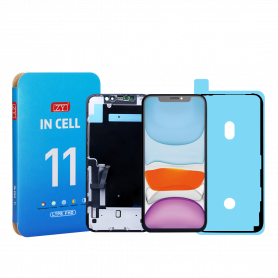
Screen iPhone 11 (LTPS) ZY - COG - Support IC Change - FHD1080p
Avantages
LTPS
TFT
OLED
Pixel resolution
FHD1080p Comme l`original
HD 720p
Comme l`original
Consommation d`énergie
Économie d`énergie de 10 % par rapport à la qualité TFT
Consommation d`énergie normale
Économie d`énergie de 20 % par rapport à la qualité TFT.
Temps de réponse
Réponse rapide
Réponse normale
Réponse comme l`original
Qualité d`image
Haute qualité d`image avec des couleurs vives.
Affichage normal
Couleurs plus vives, noirs parfaits.
Coût
Excellente qualité et coût.
Meilleur coût
Coût de production en baisse constante.
Commentaires après-vente
Taux de SAV 0.1 %
Taux de SAV 0.3 %
Taux de SAV 0.2 %
Épaisseur du téléphone avec écran (7.65 mm d`origine)
7.75 mm
7.80 mm
7.65 mm
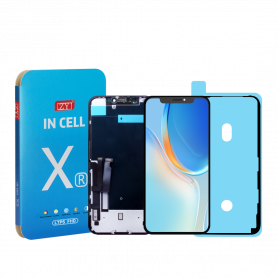
Screen iPhone XR (LTPS) ZY - COG - FHD1080p
Avantages
LTPS
TFT
OLED
Pixel resolution
FHD1080p Comme l`original
HD 720p
Comme l`original
Consommation d`énergie
Économie d`énergie de 10 % par rapport à la qualité TFT
Consommation d`énergie normale
Économie d`énergie de 20 % par rapport à la qualité TFT.
Temps de réponse
Réponse rapide
Réponse normale
Réponse comme l`original
Qualité d`image
Haute qualité d`image avec des couleurs vives.
Affichage normal
Couleurs plus vives, noirs parfaits.
Coût
Excellente qualité et coût.
Meilleur coût
Coût de production en baisse constante.
Commentaires après-vente
Taux de SAV 0.1 %
Taux de SAV 0.3 %
Taux de SAV 0.2 %
Épaisseur du téléphone avec écran (7.65 mm d`origine)
7.75 mm
7.80 mm
7.65 mm
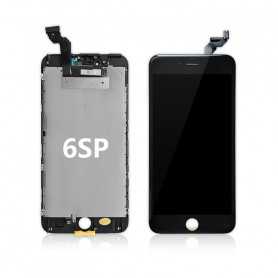
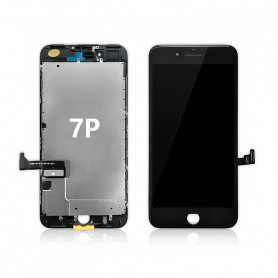
Screen iPhone 6S Plus Black + Metal Plate + Adhesive Seal (OEM) Original Alternative
Les écrans (In-cell) sont révolutionnaires dans le sens où ils combinent un numériseur, utilisent une entrée tactile et intègrent un écran LCD dans un écran monocouche.
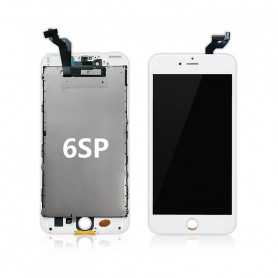
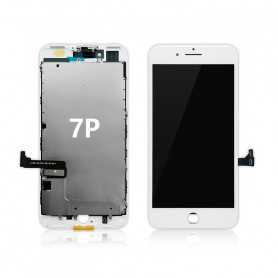
Screen iPhone 6S Plus White + Metal Plate + Adhesive Seal (OEM) Original Alternative
Les écrans (In-cell) sont révolutionnaires dans le sens où ils combinent un numériseur, utilisent une entrée tactile et intègrent un écran LCD dans un écran monocouche.
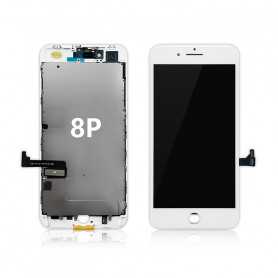
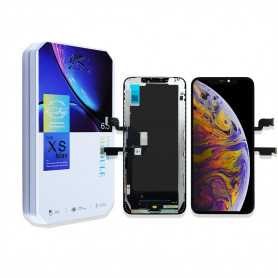
Screen iPhone XS Max (LTPS) JK - FHD1080p
Avantages
LTPS
TFT
OLED
Pixel resolution
FHD1080p Comme l`original
HD 720p
Comme l`original
Consommation d`énergie
Économie d`énergie de 10 % par rapport à la qualité TFT
Consommation d`énergie normale
Économie d`énergie de 20 % par rapport à la qualité TFT.
Temps de réponse
Réponse rapide
Réponse normale
Réponse comme l`original
Qualité d`image
Haute qualité d`image avec des couleurs vives.
Affichage normal
Couleurs plus vives, noirs parfaits.
Coût
Excellente qualité et coût.
Meilleur coût
Coût de production en baisse constante.
Commentaires après-vente
Taux de SAV 0.1 %
Taux de SAV 0.3 %
Taux de SAV 0.2 %
Épaisseur du téléphone avec écran (7.65 mm d`origine)
7.75 mm
7.80 mm
7.65 mm
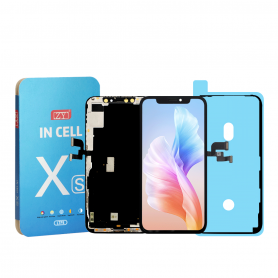
Screen iPhone XS (LTPS) ZY - COG - FHD1080p
Avantages
LTPS
TFT
OLED
Pixel resolution
FHD1080p Comme l`original
HD 720p
Comme l`original
Consommation d`énergie
Économie d`énergie de 10 % par rapport à la qualité TFT
Consommation d`énergie normale
Économie d`énergie de 20 % par rapport à la qualité TFT.
Temps de réponse
Réponse rapide
Réponse normale
Réponse comme l`original
Qualité d`image
Haute qualité d`image avec des couleurs vives.
Affichage normal
Couleurs plus vives, noirs parfaits.
Coût
Excellente qualité et coût.
Meilleur coût
Coût de production en baisse constante.
Commentaires après-vente
Taux de SAV 0.1 %
Taux de SAV 0.3 %
Taux de SAV 0.2 %
Épaisseur du téléphone avec écran (7.65 mm d`origine)
7.75 mm
7.80 mm
7.65 mm
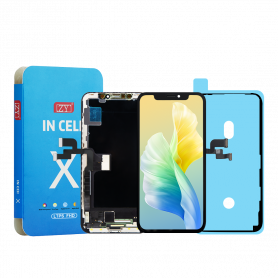
Screen iPhone X (LTPS) ZY INCELL - COG - FHD1080p
Avantages
LTPS
TFT
OLED
Pixel resolution
FHD1080p Comme l`original
HD 720p
Comme l`original
Consommation d`énergie
Économie d`énergie de 10 % par rapport à la qualité TFT
Consommation d`énergie normale
Économie d`énergie de 20 % par rapport à la qualité TFT.
Temps de réponse
Réponse rapide
Réponse normale
Réponse comme l`original
Qualité d`image
Haute qualité d`image avec des couleurs vives.
Affichage normal
Couleurs plus vives, noirs parfaits.
Coût
Excellente qualité et coût.
Meilleur coût
Coût de production en baisse constante.
Commentaires après-vente
Taux de SAV 0.1 %
Taux de SAV 0.3 %
Taux de SAV 0.2 %
Épaisseur du téléphone avec écran (7.65 mm d`origine)
7.75 mm
7.80 mm
7.65 mm
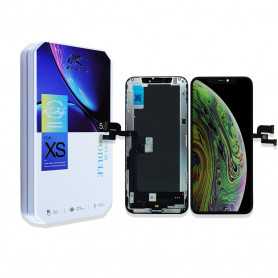
Screen iPhone XS (LTPS) JK - FHD1080p
Avantages
LTPS
TFT
OLED
Pixel resolution
FHD1080p Comme l`original
HD 720p
Comme l`original
Consommation d`énergie
Économie d`énergie de 10 % par rapport à la qualité TFT
Consommation d`énergie normale
Économie d`énergie de 20 % par rapport à la qualité TFT.
Temps de réponse
Réponse rapide
Réponse normale
Réponse comme l`original
Qualité d`image
Haute qualité d`image avec des couleurs vives.
Affichage normal
Couleurs plus vives, noirs parfaits.
Coût
Excellente qualité et coût.
Meilleur coût
Coût de production en baisse constante.
Commentaires après-vente
Taux de SAV 0.1 %
Taux de SAV 0.3 %
Taux de SAV 0.2 %
Épaisseur du téléphone avec écran (7.65 mm d`origine)
7.75 mm
7.80 mm
7.65 mm
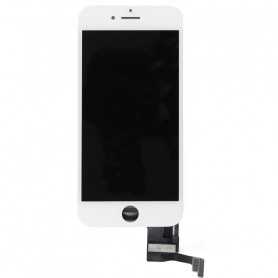
Screen iPhone 7 White (Original Refurbished)
Pièce de rechange Apple de qualité.
Qualité Originale Reconditionnée
Ecran complet pour iPhone 7Couleur : Blanc. Modèle : iPhone 7.
EAN:7907613231759
Qualité Originale Reconditionnée
Ecran complet pour iPhone 7Couleur : Blanc. Modèle : iPhone 7.
EAN:7907613231759
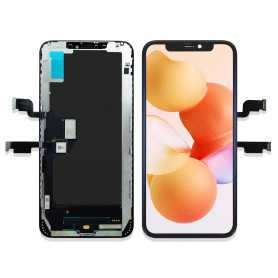
Screen iPhone XS Max (In-cell) HD720p
Attention ce n'est pas oled,
Les écrans (In-cell) sont révolutionnaires dans le sens où ils combinent un numériseur, utilisent une entrée tactile et intègrent un écran LCD dans un écran monocouche. Certains rapports suggèrent également que les écrans à technologie (In-cell) offrent une meilleure résolution par rapport aux écrans LCD standard
Les écrans (In-cell) sont révolutionnaires dans le sens où ils combinent un numériseur, utilisent une entrée tactile et intègrent un écran LCD dans un écran monocouche. Certains rapports suggèrent également que les écrans à technologie (In-cell) offrent une meilleure résolution par rapport aux écrans LCD standard
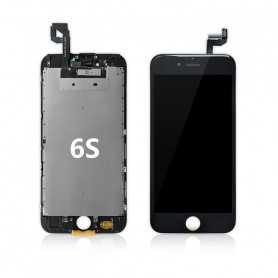
Screen iPhone 6S Black+ Metal Plate+ Adhesive Seal (OEM) Original Alternative
Les écrans (In-cell) sont révolutionnaires dans le sens où ils combinent un numériseur, utilisent une entrée tactile et intègrent un écran LCD dans un écran monocouche.
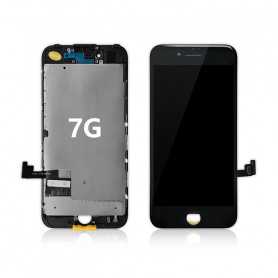
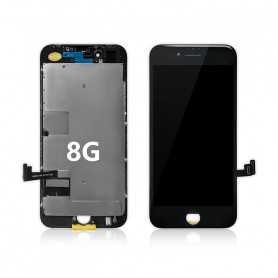
Screen iPhone 8/SE 2020/SE 2022 Black + Metal Plate + Adhesive Seal (OEM) Original Alternative
Ecran iPhone 8 / SE 2020 Noir (In-cell) avec True Tone
Les écrans "In-cell" sont également appelés "écrans premium", ils sont semblables aux écrans d’origine.
Cet afficheur “in-cell” est une pièce contenant le numériseur ainsi que l’écran LCD. Cette même technologie est également utilisée avec les nouveaux écrans OEM.
Les écrans "In-cell" sont également appelés "écrans premium", ils sont semblables aux écrans d’origine.
Cet afficheur “in-cell” est une pièce contenant le numériseur ainsi que l’écran LCD. Cette même technologie est également utilisée avec les nouveaux écrans OEM.
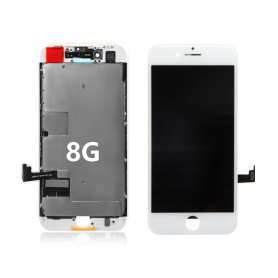
Screen iPhone 8/SE 2020/SE 2022 White + Metal Plate + Adhesive Seal (OEM) Original Alternative
Ecran iPhone 8 / SE 2020 Blanc (In-cell) avec True Tone
Les écrans "In-cell" sont également appelés "écran premium", ils sont semblables aux écrans d’origine.
Cet afficheur “in-cell” est une pièce contenant le numériseur ainsi que l’écran LCD. Cette même technologie est également utilisée avec les nouveaux écrans OEM.
Les écrans "In-cell" sont également appelés "écran premium", ils sont semblables aux écrans d’origine.
Cet afficheur “in-cell” est une pièce contenant le numériseur ainsi que l’écran LCD. Cette même technologie est également utilisée avec les nouveaux écrans OEM.
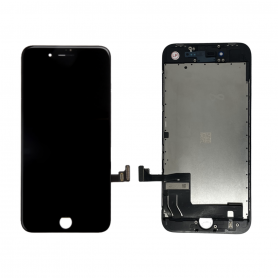
Screen iPhone 8/SE 2020/SE 2022 Black (Original Refurbished)
Pièce de rechange Apple de qualité.
Qualité Originale Reconditionnée
Ecran complet pour iPhone 8Couleur : Noir. Modèle : iPhone 8.
EAN:6002761247681
Qualité Originale Reconditionnée
Ecran complet pour iPhone 8Couleur : Noir. Modèle : iPhone 8.
EAN:6002761247681
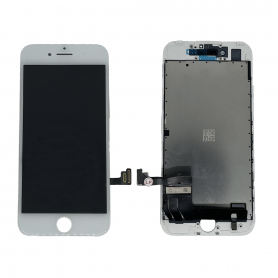
Screen iPhone 8/SE 2020/SE 2022 White (Original Refurbished)
Pièce de rechange Apple de qualité.
Qualité Originale Reconditionnée
Ecran complet pour iPhone 8Couleur : Blanc. Modèle : iPhone 8.
EAN:6002761247674
Qualité Originale Reconditionnée
Ecran complet pour iPhone 8Couleur : Blanc. Modèle : iPhone 8.
EAN:6002761247674
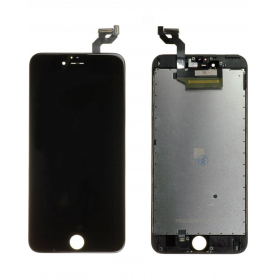
Screen iPhone 6S Plus Black (Original Refurbished)
Qualité Original Reconditionné
Couleur :
-Noir
Modèle : iPhone 6S Plus.
EAN:7907613230905
Couleur :
-Noir
Modèle : iPhone 6S Plus.
EAN:7907613230905
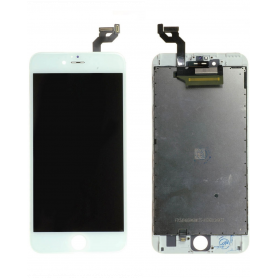
Screen iPhone 6S Plus White (Original Refurbished)
Qualité Original ReconditionnéCouleur :-BlancModèle : iPhone 6S Plus.EAN:7907613230912
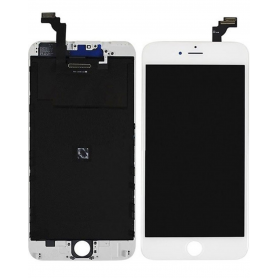
Screen iPhone 6 Plus White (Original Refurbished)
Pièce de rechange Apple de qualité (Reconditionné)
LCD RETINA ORIGINAL
Inclus : L'écran avec l'afficheur LCD et la vitre tactile.Modèle : Apple iPhone 6 Plus.
EAN:6943948193943
LCD RETINA ORIGINAL
Inclus : L'écran avec l'afficheur LCD et la vitre tactile.Modèle : Apple iPhone 6 Plus.
EAN:6943948193943
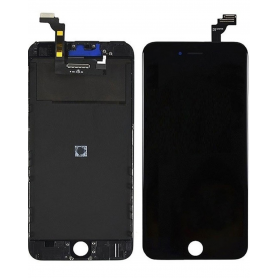
Screen iPhone 6 Plus Black (Original Refurbished)
Pièce de rechange Apple de qualité (Reconditionné)
LCD RETINA ORIGINAL
Inclus : L'écran avec l'afficheur LCD et la vitre tactile.Modèle : Apple iPhone 6 Plus.
EAN:6943948193936
LCD RETINA ORIGINAL
Inclus : L'écran avec l'afficheur LCD et la vitre tactile.Modèle : Apple iPhone 6 Plus.
EAN:6943948193936
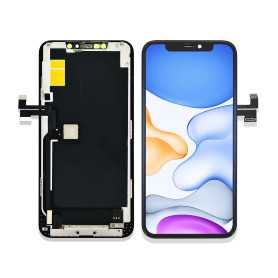
Screen iPhone 11 Pro Max (in-cell) HD720p - Support IC Change
Les écrans (In-cell) sont révolutionnaires dans le sens où ils combinent un numériseur, utilisent une entrée tactile et intègrent un écran LCD dans un écran monocouche.
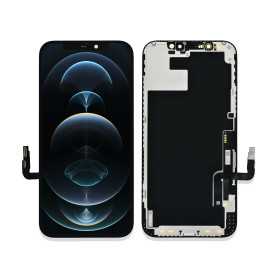
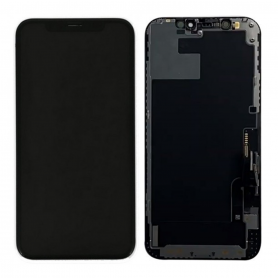
Screen iPhone 12 / 12 Pro (in-cell) HD720p - Support IC Change
Ecran iPhone 12 / 12 Pro (In-cell)
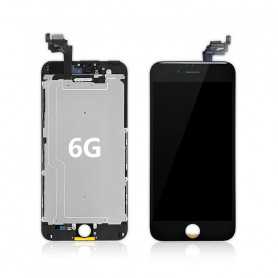
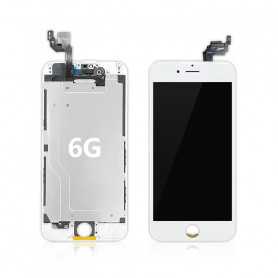
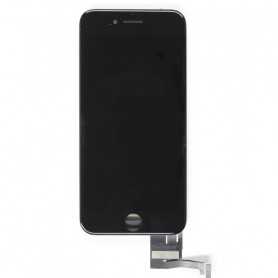
Screen iPhone 7 Black (Original Refurbished)
Pièce de rechange Apple de qualité.
Qualité Originale Reconditionnée
Ecran complet pour iPhone 7Couleur : Noir. Modèle : iPhone 7.
EAN:7907613231742
Qualité Originale Reconditionnée
Ecran complet pour iPhone 7Couleur : Noir. Modèle : iPhone 7.
EAN:7907613231742
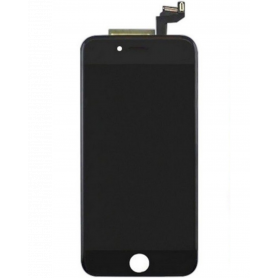
Screen iPhone 6S Black (Original Refurbished)
Qualité Original
LCD RETINA ORIGINAL + Vitre Tactile Sur Chassis Original
Couleur :
-Noir
Modèle : iPhone 6S.
EAN:7907613230844
LCD RETINA ORIGINAL + Vitre Tactile Sur Chassis Original
Couleur :
-Noir
Modèle : iPhone 6S.
EAN:7907613230844
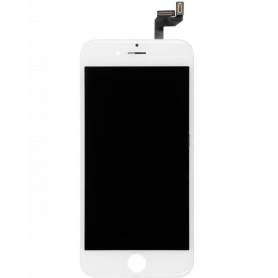
Screen iPhone 6S White (Original Refurbished)
Qualité Original
LCD RETINA ORIGINAL + Vitre Tactile Sur Chassis Original
Couleur :
-Blanc
Modèle : iPhone 6S.
EAN:7907613230851
LCD RETINA ORIGINAL + Vitre Tactile Sur Chassis Original
Couleur :
-Blanc
Modèle : iPhone 6S.
EAN:7907613230851
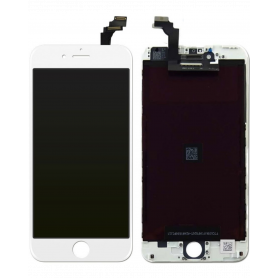
Screen iPhone 6 White (Original Refurbished)
Pièce de rechange Apple de qualité ( Reconditionné)
LCD RETINA ORIGINAL
Ecran complet pour iPhone 6 Couleur : BlancModèle : iPhone 6
EAN:6943948193929
LCD RETINA ORIGINAL
Ecran complet pour iPhone 6 Couleur : BlancModèle : iPhone 6
EAN:6943948193929
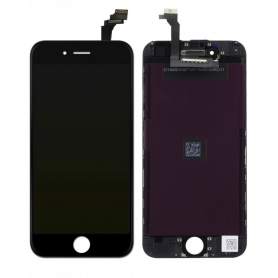
Screen iPhone 6 Black (Original Refurbished)
Pièce de rechange Apple de qualité (Reconditionné)
LCD RETINA ORIGINAL
Ecran complet pour Iphone 6 afficheur LCD, vitre tactileCouleur : Noir /Blanc. Modèle : iPhone 6.
EAN:6943948193912
LCD RETINA ORIGINAL
Ecran complet pour Iphone 6 afficheur LCD, vitre tactileCouleur : Noir /Blanc. Modèle : iPhone 6.
EAN:6943948193912
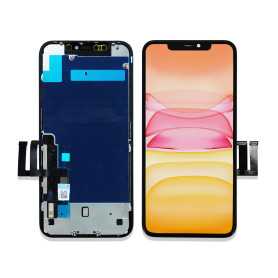
Screen iPhone 11 (in-cell) HD720p - Support IC Change
Les écrans (In-cell) sont révolutionnaires dans le sens où ils combinent un numériseur, utilisent une entrée tactile et intègrent un écran LCD dans un écran monocouche. Certains rapports suggèrent également que les écrans à technologie (In-cell) offrent une meilleure résolution par rapport aux écrans LCD standard
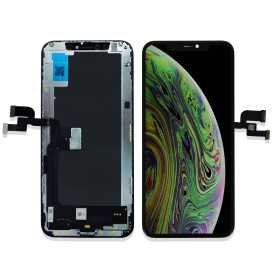
Screen iPhone XS (In-cell) HD720p
Attention ce n'est pas oled,
Les écrans (In-cell) sont révolutionnaires dans le sens où ils combinent un numériseur, utilisent une entrée tactile et intègrent un écran LCD dans un écran monocouche. Certains rapports suggèrent également que les écrans à technologie (In-cell) offrent une meilleure résolution par rapport aux écrans LCD standard
Les écrans (In-cell) sont révolutionnaires dans le sens où ils combinent un numériseur, utilisent une entrée tactile et intègrent un écran LCD dans un écran monocouche. Certains rapports suggèrent également que les écrans à technologie (In-cell) offrent une meilleure résolution par rapport aux écrans LCD standard
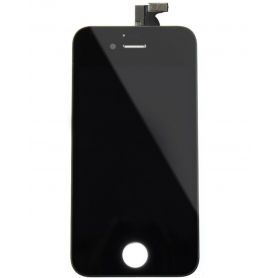
Screen iPhone 4S Black (Original Refurbished)
Pièce de rechange Apple de qualité.
Ecran complet pour Iphone 4S
Couleur : Noir.
Modèle : iPhone 4S.
Taille de 3,5
Résolution de 960 x 640 pixels avec un tactile Multi-Touch ultra sensitif pour une navigation claire et précise
L'écran LCD Retina pré-assemblé à la vitre tactile sur châssis
EAN:6169957565087
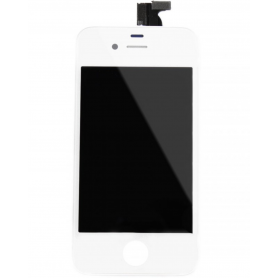
Screen iPhone 4S White (Original Refurbished)
Pièce de rechange Apple de qualité.
Ecran complet pour Iphone 4S
Couleur : Blanc.
Modèle : iPhone 4S.
Taille de 3,5
Résolution de 960 x 640 pixels avec un tactile Multi-Touch ultra sensitif pour une navigation claire et précise
L'écran LCD Retina pré-assemblé à la vitre tactile sur châssis
EAN:6169957565070
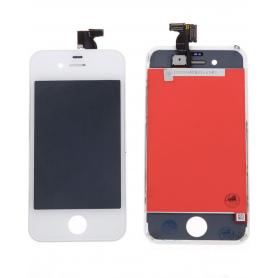
Screen iPhone 4 White (Original Refurbished)
Pièce de rechange Apple de qualité.
Ecran complet pour Iphone 4
Couleur : Blanc.
Modèle : iPhone 4.
L'écran LCD Retina est pré-monté à la vitre tactile sur châssis
Résolution de 960 x 640 pixels
Tactile Multitouch
EAN:6169957565056
Out-of-Stock
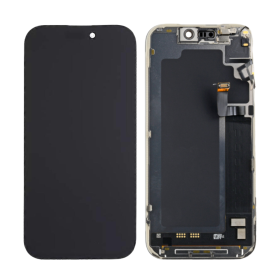
Screen iPhone 17 Pro Max (Original Disassembled) - Grade A
Key Features of Screen iPhone 17 Pro Max (Original Disassembled) - Grade A
Genuine Quality: This screen is an Original Equipment Manufacturer (OEM) component, ensuring genuine Apple quality and performance. It's perfect for those who desire an authentic look and feel for their iPhone 17 Pro Max.
Grade A Condition: The screen is classified as Grade A, indicating it is in prime condition, free from scratches, blemishes, or any visible wear. It offers the same pristine experience as a brand-new display.
Disassembled OEM Part: As an original disassembled product, it is sourced from genuine iPhone 17 Pro Max units, guaranteeing compatibility and optimal performance without the compromises that come with third-party replacements.
Super Retina XDR Display: Experience the brilliance of Apple's Super Retina XDR technology with high dynamic range, vibrant colors, and deep blacks. This screen delivers an immersive viewing experience with unparalleled clarity and resolution.
True Tone and Haptic Touch: Retains key iPhone features like True Tone for adaptive lighting adjustments to suit your environment and Haptic Touch for seamless interaction, ensuring all functionalities operate as intended.
Face ID Compatible: This replacement screen is fully compatible with the iPhone 17 Pro Max's Face ID technology, maintaining all security features without requiring additional calibrations.
Eco-Friendly Choice: By opting for an original disassembled part, you're supporting sustainability through recycling and reusing existing materials, reducing the demand for new production.
Easy Installation: Designed for precision fit and ease of installation. Professional installation is recommended to ensure seamless integration and maintain warranty coverage.
Choose the Screen iPhone 17 Pro Max (Original Disassembled) - Grade A for a top-quality, reliable, and sustainable replacement that maintains your device's excellence.
Genuine Quality: This screen is an Original Equipment Manufacturer (OEM) component, ensuring genuine Apple quality and performance. It's perfect for those who desire an authentic look and feel for their iPhone 17 Pro Max.
Grade A Condition: The screen is classified as Grade A, indicating it is in prime condition, free from scratches, blemishes, or any visible wear. It offers the same pristine experience as a brand-new display.
Disassembled OEM Part: As an original disassembled product, it is sourced from genuine iPhone 17 Pro Max units, guaranteeing compatibility and optimal performance without the compromises that come with third-party replacements.
Super Retina XDR Display: Experience the brilliance of Apple's Super Retina XDR technology with high dynamic range, vibrant colors, and deep blacks. This screen delivers an immersive viewing experience with unparalleled clarity and resolution.
True Tone and Haptic Touch: Retains key iPhone features like True Tone for adaptive lighting adjustments to suit your environment and Haptic Touch for seamless interaction, ensuring all functionalities operate as intended.
Face ID Compatible: This replacement screen is fully compatible with the iPhone 17 Pro Max's Face ID technology, maintaining all security features without requiring additional calibrations.
Eco-Friendly Choice: By opting for an original disassembled part, you're supporting sustainability through recycling and reusing existing materials, reducing the demand for new production.
Easy Installation: Designed for precision fit and ease of installation. Professional installation is recommended to ensure seamless integration and maintain warranty coverage.
Choose the Screen iPhone 17 Pro Max (Original Disassembled) - Grade A for a top-quality, reliable, and sustainable replacement that maintains your device's excellence.
NewOut-of-Stock
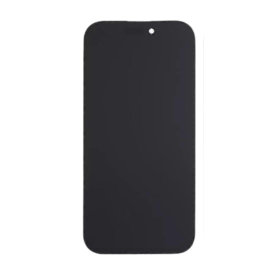
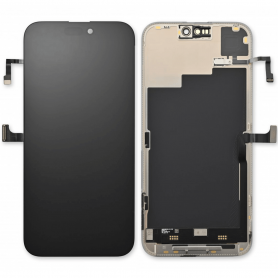
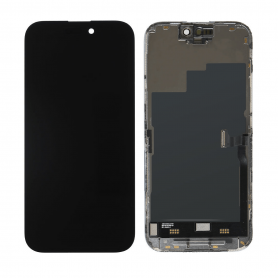
NewOut-of-Stock
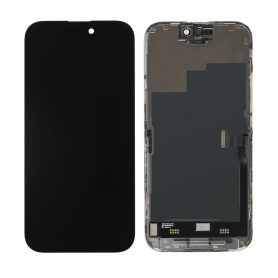
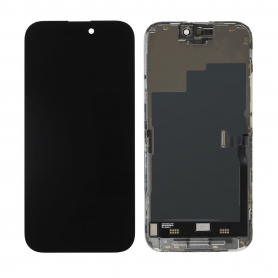
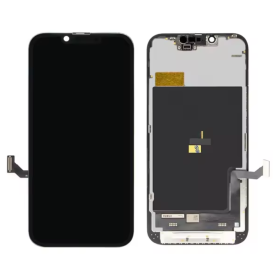
Screen iPhone 16E (Original Disassembled) - Grade B
Key Features of Screen iPhone 16E (Original Disassembled) - Grade B
Original Part: The Screen iPhone 16E is sourced from the original iPhone 16E units, ensuring compatibility and authenticity for reliable performance and seamless integration with your device.
Grade B Quality: This screen is classified as Grade B, which means it may have minor cosmetic imperfections such as slight scratches or marks. However, it retains full functionality and displays vibrant colors with clear visibility.
Retina Display: Experience brilliant visuals with this Retina display, which offers precise color accuracy, sharp resolution, and true-tone technology to adapt display settings according to the ambient lighting.
Touch Sensitivity: Enjoy responsive and smooth touch functionality, ensuring an intuitive interaction whether you're typing, gaming, or browsing.
Frame Included: The screen comes with a pre-attached frame, simplifying the installation process and securing a firm fit onto your iPhone 16E, saving time and reducing the hassle of assembly.
Oleophobic Coating: Equipped with an oleophobic coating, this screen resists fingerprints and smudges, helping maintain a clean and sleek appearance.
Cost-Effective Solution: Ideal for customers seeking a workable balance between cost and performance, this Grade B screen offers an economical option without compromising critical functionalities.
Warranty: Backed by a limited warranty, providing assurance in quality and support for post-purchase peace of mind.
Environmentally Friendly: Utilizing original disassembled parts supports sustainable practices by conserving resources and reducing electronic waste.
Original Part: The Screen iPhone 16E is sourced from the original iPhone 16E units, ensuring compatibility and authenticity for reliable performance and seamless integration with your device.
Grade B Quality: This screen is classified as Grade B, which means it may have minor cosmetic imperfections such as slight scratches or marks. However, it retains full functionality and displays vibrant colors with clear visibility.
Retina Display: Experience brilliant visuals with this Retina display, which offers precise color accuracy, sharp resolution, and true-tone technology to adapt display settings according to the ambient lighting.
Touch Sensitivity: Enjoy responsive and smooth touch functionality, ensuring an intuitive interaction whether you're typing, gaming, or browsing.
Frame Included: The screen comes with a pre-attached frame, simplifying the installation process and securing a firm fit onto your iPhone 16E, saving time and reducing the hassle of assembly.
Oleophobic Coating: Equipped with an oleophobic coating, this screen resists fingerprints and smudges, helping maintain a clean and sleek appearance.
Cost-Effective Solution: Ideal for customers seeking a workable balance between cost and performance, this Grade B screen offers an economical option without compromising critical functionalities.
Warranty: Backed by a limited warranty, providing assurance in quality and support for post-purchase peace of mind.
Environmentally Friendly: Utilizing original disassembled parts supports sustainable practices by conserving resources and reducing electronic waste.
Out-of-Stock
Out-of-Stock
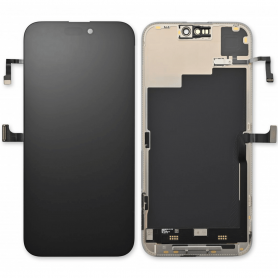
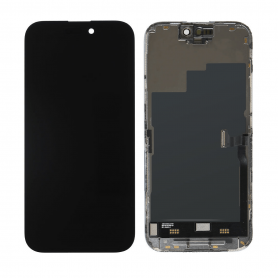
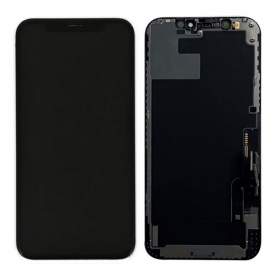
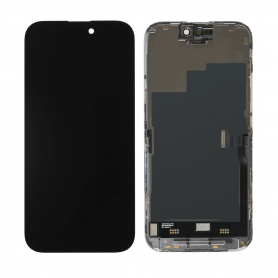
Screen iPhone 14 Pro(Original Refurbished) - Not Support Configuration
Use Repair Assistant to Finish an iPhone or iPad Repair
On an iPhone 12 or later running iOS 18, when a new Apple screen is installed, “Finish Repair” will appear next to Screen until you complete the repair using the Repair Assistant.
On an iPhone 12 or later running iOS 18, it is possible to reuse an original Apple screen on another iPhone of the same model.
The date of first use and the condition of the screen can be found in Settings > General > About > Parts & Service History.
How to Run Diagnostics & Finish Repair for iPhone Screen
1. Ensure your device is updated to iOS 18
2. Go to Settings > General > About > Parts & Service History
3. Tap "Restart & Finish Repair" to activate the Repair Assistant
4. Follow the on-screen instructions to complete the calibration
After completing this process, your screen will be fully functional, and there will be no pop-up warning about non-genuine parts.
Important Notes:
Your iPhone must be connected to Wi-Fi
Your battery level should be above 20%
If the process fails, restart your device and try again
If the repair is not completed, the screen may not function optimally, and some features (True Tone, Face ID) may be disabled until calibration is finalized
Out-of-Stock
Out-of-Stock
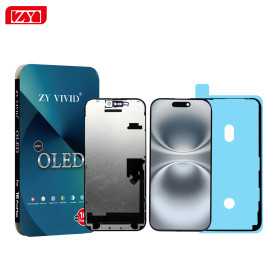
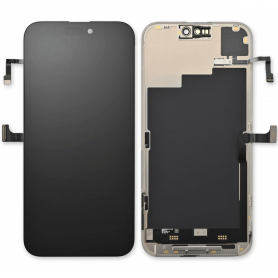
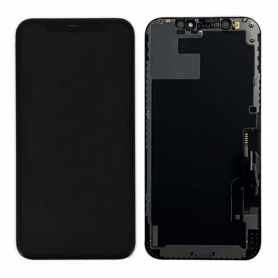
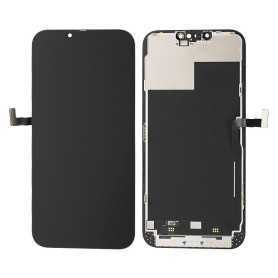
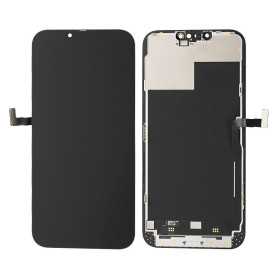
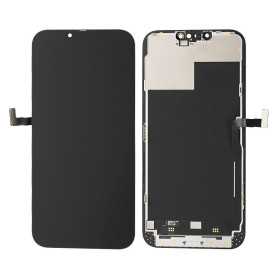
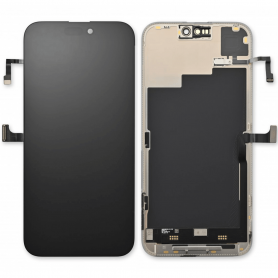
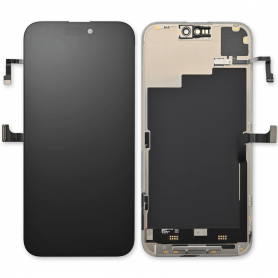
Screen iPhone 16 Pro Max (Soft OLED) ZY - Support IC Change
Advanced Soft OLED Display: Experience vibrant colors and deep blacks with our Soft OLED technology, providing superior visual clarity and an immersive viewing experience on your iPhone 16 Pro Max.
Precision Fit and Finish: Designed to match the exact specifications of the iPhone 16 Pro Max, this replacement screen ensures a seamless fit, preserving the device's sleek aesthetics and functionality.
Support for IC Change: Featuring an innovative design that facilitates Integrated Circuit (IC) replacement, this screen allows for efficient repairs, enhancing the longevity and performance of your device.
High Sensitivity Touch Response: Enjoy a smooth and responsive touch interface with high sensitivity that ensures every tap, swipe, and gesture is registered accurately, keeping up with your fast-paced mobile lifestyle.
True Tone Compatibility: Maintain the natural color balance and brightness adjustments offered by True Tone technology, ensuring your screen adapts perfectly to varying lighting conditions for optimal viewing comfort.
Durable Construction: Built with premium materials, the screen is resilient against scratches and impacts, providing lasting durability without compromising on the device's sleek design.
Easy Installation: Comes with an installation toolkit and step-by-step instructions, making it convenient for both professionals and DIY enthusiasts to replace the screen effortlessly.
Cost-effective Solution: Offering a high-quality replacement option that restores your device’s performance and appearance, this screen provides a cost-effective solution to expensive official repairs.
Environmentally Friendly Packaging: Packaged using eco-friendly materials, minimizing environmental impact while ensuring your replacement screen arrives safely and securely.
Embrace the perfect blend of innovation and functionality with the iPhone 16 Pro Max (Soft OLED) ZY screen, designed to enhance your device’s performance and longevity.
Out-of-Stock
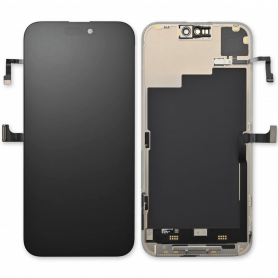
Out-of-Stock
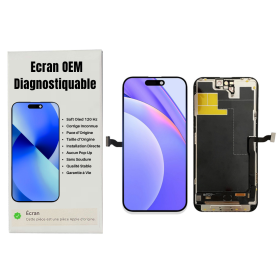
Out-of-Stock
Screen iPhone 15 Pro Max (OEM) Soft Oled - Diagnosable - No Pop-up - 120Hz
Use Repair Assistant to Finish an iPhone or iPad Repair On an iPhone 12 or later running iOS 18, when a new Apple screen is installed,“Finish Repair” will appear next to Screen until you complete the repair using the Repair Assistant.On an iPhone 12 or later running iOS 18, it is possible to reuse an original Apple screen on another iPhone of the same model.The date of first use and the condition of the screen can be found in Settings > General > About > Parts & Service History.How to Run Diagnostics & Finish Repair for iPhone Screen1. Ensure your device is updated to iOS 182. Go to Settings > General > About > Parts & Service History3. Tap "Restart & Finish Repair" to activate the Repair Assistant4. Follow the on-screen instructions to complete the calibrationAfter completing this process, your screen will be fully functional, and there will be no pop-up warning about non-genuine parts.Important Notes:Your iPhone must be connected to Wi-FiYour battery level should be above 20%If the process fails, restart your device and try againIf the repair is not completed, the screen may not function optimally, and some features (True Tone, Face ID) may be disabled until calibration is finalized
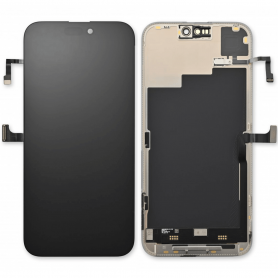
Out-of-Stock
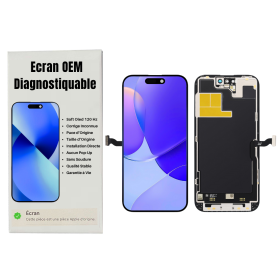
Out-of-Stock
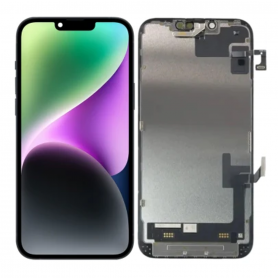
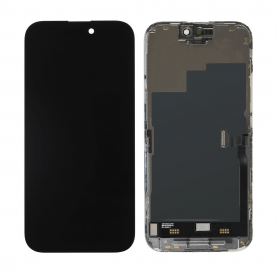
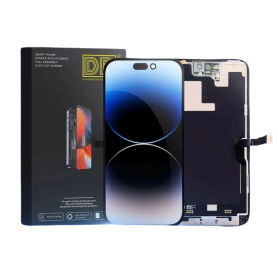
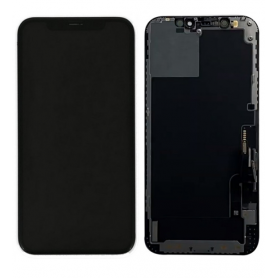
Screen iPhone 14 Pro (OEM) Soft Oled - Diagnosable - No Pop-up - 120Hz
Use Repair Assistant to Finish an iPhone or iPad Repair
On an iPhone 12 or later running iOS 18, when a new Apple screen is installed,“Finish Repair” will appear next to Screen until you complete the repair using the Repair Assistant.
On an iPhone 12 or later running iOS 18, it is possible to reuse an original Apple screen on another iPhone of the same model.
The date of first use and the condition of the screen can be found in Settings > General > About > Parts & Service History.
How to Run Diagnostics & Finish Repair for iPhone Screen
1. Ensure your device is updated to iOS 18
2. Go to Settings > General > About > Parts & Service History
3. Tap "Restart & Finish Repair" to activate the Repair Assistant
4. Follow the on-screen instructions to complete the calibration
After completing this process, your screen will be fully functional, and there will be no pop-up warning about non-genuine parts.
Important Notes:
Your iPhone must be connected to Wi-Fi
Your battery level should be above 20%
If the process fails, restart your device and try again
If the repair is not completed, the screen may not function optimally, and some features (True Tone, Face ID) may be disabled until calibration is finalized
Out-of-Stock
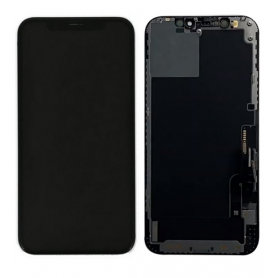
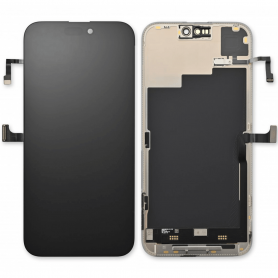
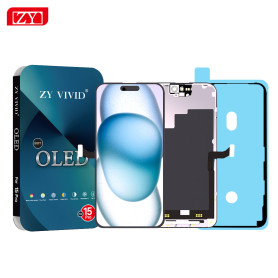
Screen iPhone 12 Pro Max (Original Refurbished)
Use Repair Assistant to Finish an iPhone or iPad Repair
On an iPhone 12 or later running iOS 18, when a new Apple screen is installed, “Finish Repair” will appear next to Screen until you complete the repair using the Repair Assistant.
On an iPhone 12 or later running iOS 18, it is possible to reuse an original Apple screen on another iPhone of the same model.
The date of first use and the condition of the screen can be found in Settings > General > About > Parts & Service History.
How to Run Diagnostics & Finish Repair for iPhone Screen
1. Ensure your device is updated to iOS 18
2. Go to Settings > General > About > Parts & Service History
3. Tap "Restart & Finish Repair" to activate the Repair Assistant
4. Follow the on-screen instructions to complete the calibration
After completing this process, your screen will be fully functional, and there will be no pop-up warning about non-genuine parts.
Important Notes:
Your iPhone must be connected to Wi-Fi
Your battery level should be above 20%
If the process fails, restart your device and try again
If the repair is not completed, the screen may not function optimally, and some features (True Tone, Face ID) may be disabled until calibration is finalized
Out-of-Stock
Out-of-Stock

Out-of-Stock

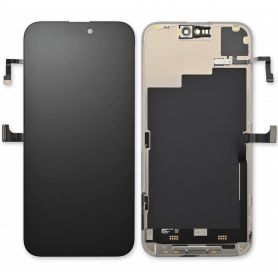
Out-of-Stock
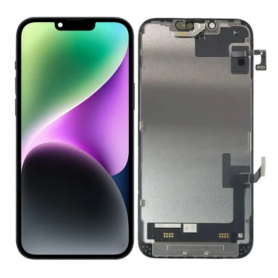
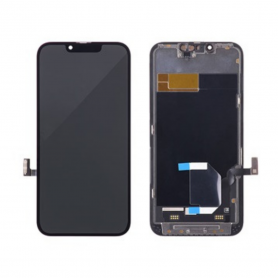
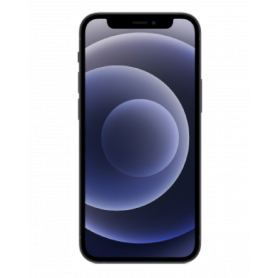
Out-of-Stock
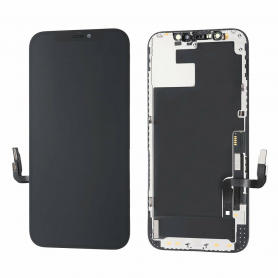
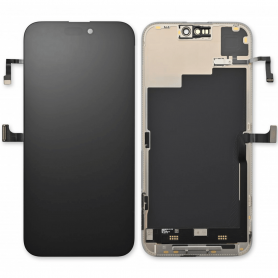
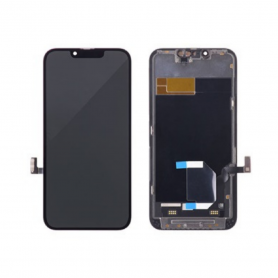
Screen iPhone 12 mini (Original Refurbished)
Use Repair Assistant to Finish an iPhone or iPad Repair
On an iPhone 12 or later running iOS 18, when a new Apple screen is installed, “Finish Repair” will appear next to Screen until you complete the repair using the Repair Assistant.
On an iPhone 12 or later running iOS 18, it is possible to reuse an original Apple screen on another iPhone of the same model.
The date of first use and the condition of the screen can be found in Settings > General > About > Parts & Service History.
How to Run Diagnostics & Finish Repair for iPhone Screen
1. Ensure your device is updated to iOS 18
2. Go to Settings > General > About > Parts & Service History
3. Tap "Restart & Finish Repair" to activate the Repair Assistant
4. Follow the on-screen instructions to complete the calibration
After completing this process, your screen will be fully functional, and there will be no pop-up warning about non-genuine parts.
Important Notes:
Your iPhone must be connected to Wi-Fi
Your battery level should be above 20%
If the process fails, restart your device and try again
If the repair is not completed, the screen may not function optimally, and some features (True Tone, Face ID) may be disabled until calibration is finalized
Out-of-Stock
Out-of-Stock
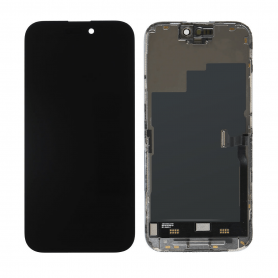
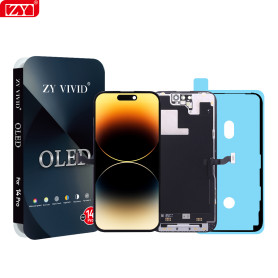
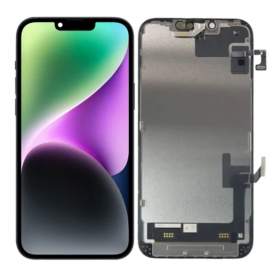
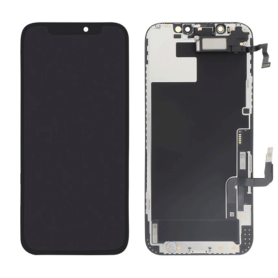
Screen iPhone 15 Pro (Hard OLED) ZY - Support IC Change
Key Features of the Screen for iPhone 15 Pro (OLED) ZY
Advanced OLED Display Technology: The iPhone 15 Pro screen utilizes state-of-the-art OLED technology, delivering vivid colors, deep blacks, and excellent contrast ratios. It offers an immersive visual experience that enhances everything from gaming to movie watching.
Super Retina XDR: This display includes Super Retina XDR, providing a high dynamic range with impeccable brightness and clarity. It's perfect for viewing HDR photos and videos, ensuring every detail is captured and enhanced.
ProMotion Adaptive Refresh Rate: Featuring Apple's innovative ProMotion technology, the screen offers an adaptive refresh rate of up to 120Hz. This ensures smooth scrolling, responsive touch input, and a seamless user interface, adapting in real-time to different use scenarios.
High Resolution and Pixel Density: With a high resolution, the iPhone 15 Pro screen ensures pixel-perfect clarity, making text crisper and images more lifelike. The high pixel density allows for more details and sharp visuals.
Durable Ceramic Shield: Protected by a ceramic shield front cover, this screen is tougher than any other smartphone glass, providing excellent drop resistance and durability for everyday use.
True Tone Technology: The screen is equipped with True Tone technology, which automatically adjusts the white balance to match the light around you for a more natural viewing experience, reducing eye strain in various environments.
Wide Color (P3): Enjoy a broad spectrum of colors with the P3 wide color gamut, ensuring vibrant and true-to-life colors for all media and imaging needs.
Haptic Touch: The inclusion of Haptic Touch offers precise tactile feedback and allows for quick access to essential functions, enhancing the overall interaction with the device.
These features combine to make the Screen for iPhone 15 Pro (OLED) ZY a leading choice for users seeking a premium, high-performance display.
Advanced OLED Display Technology: The iPhone 15 Pro screen utilizes state-of-the-art OLED technology, delivering vivid colors, deep blacks, and excellent contrast ratios. It offers an immersive visual experience that enhances everything from gaming to movie watching.
Super Retina XDR: This display includes Super Retina XDR, providing a high dynamic range with impeccable brightness and clarity. It's perfect for viewing HDR photos and videos, ensuring every detail is captured and enhanced.
ProMotion Adaptive Refresh Rate: Featuring Apple's innovative ProMotion technology, the screen offers an adaptive refresh rate of up to 120Hz. This ensures smooth scrolling, responsive touch input, and a seamless user interface, adapting in real-time to different use scenarios.
High Resolution and Pixel Density: With a high resolution, the iPhone 15 Pro screen ensures pixel-perfect clarity, making text crisper and images more lifelike. The high pixel density allows for more details and sharp visuals.
Durable Ceramic Shield: Protected by a ceramic shield front cover, this screen is tougher than any other smartphone glass, providing excellent drop resistance and durability for everyday use.
True Tone Technology: The screen is equipped with True Tone technology, which automatically adjusts the white balance to match the light around you for a more natural viewing experience, reducing eye strain in various environments.
Wide Color (P3): Enjoy a broad spectrum of colors with the P3 wide color gamut, ensuring vibrant and true-to-life colors for all media and imaging needs.
Haptic Touch: The inclusion of Haptic Touch offers precise tactile feedback and allows for quick access to essential functions, enhancing the overall interaction with the device.
These features combine to make the Screen for iPhone 15 Pro (OLED) ZY a leading choice for users seeking a premium, high-performance display.
Out-of-Stock
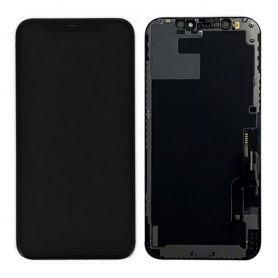
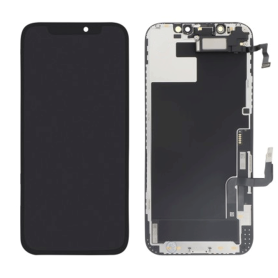
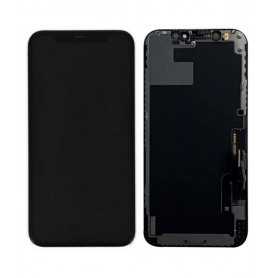
Screen iPhone 12 / 12 Pro (Original Refurbished) - Grade A
Use Repair Assistant to Finish an iPhone or iPad Repair
On an iPhone 12 or later running iOS 18, when a new Apple screen is installed, “Finish Repair” will appear next to Screen until you complete the repair using the Repair Assistant.
On an iPhone 12 or later running iOS 18, it is possible to reuse an original Apple screen on another iPhone of the same model.
The date of first use and the condition of the screen can be found in Settings > General > About > Parts & Service History.
How to Run Diagnostics & Finish Repair for iPhone Screen
1. Ensure your device is updated to iOS 18
2. Go to Settings > General > About > Parts & Service History
3. Tap "Restart & Finish Repair" to activate the Repair Assistant
4. Follow the on-screen instructions to complete the calibration
After completing this process, your screen will be fully functional, and there will be no pop-up warning about non-genuine parts.
Important Notes:
Your iPhone must be connected to Wi-Fi
Your battery level should be above 20%
If the process fails, restart your device and try again
If the repair is not completed, the screen may not function optimally, and some features (True Tone, Face ID) may be disabled until calibration is finalized
Out-of-Stock
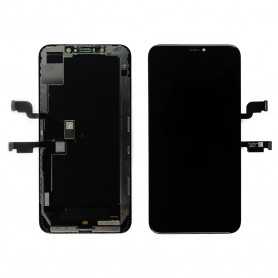
Screen iPhone Xs Max (Original Disassembled)
Démonté du Téléphone
Out-of-Stock
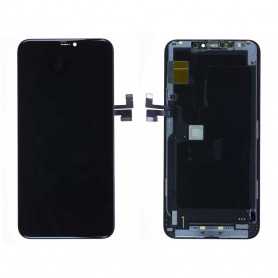
Screen iPhone 11 Pro Max (Original Disassembled)
Ecran iPhone 11 Pro Max Démonté du Téléphone Original (Démonté)