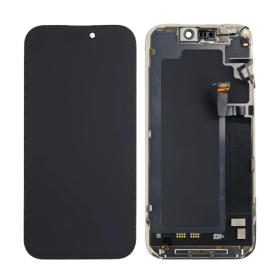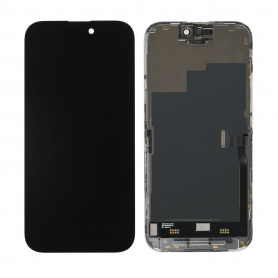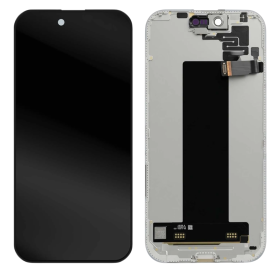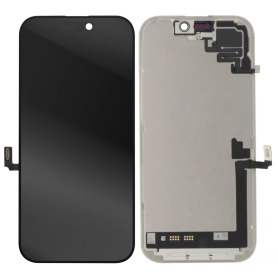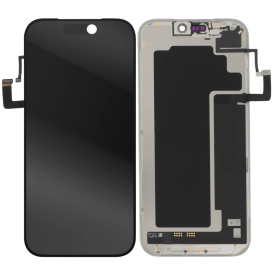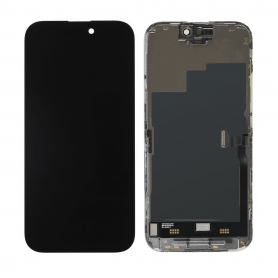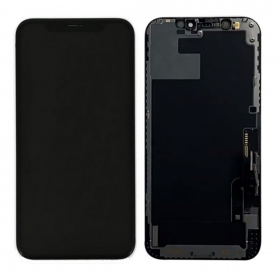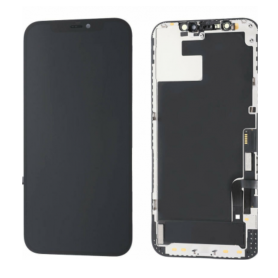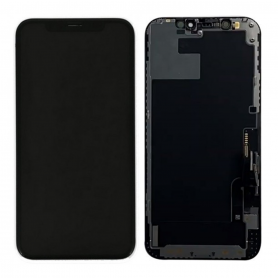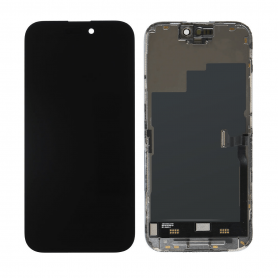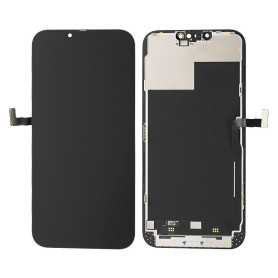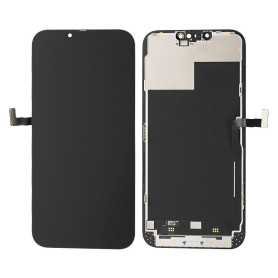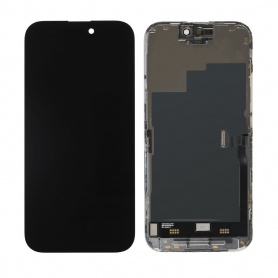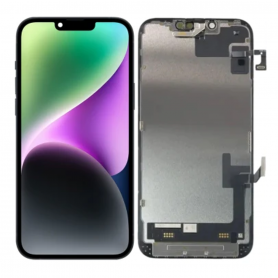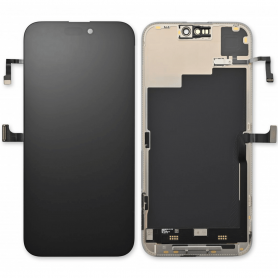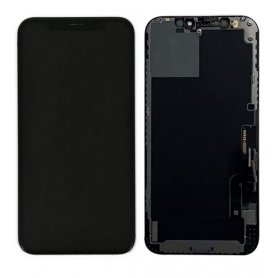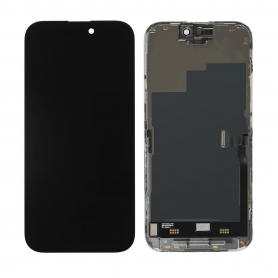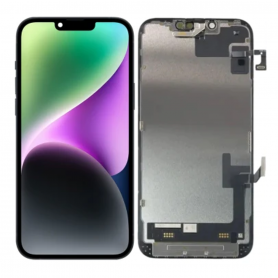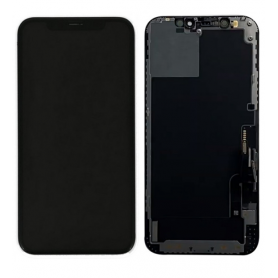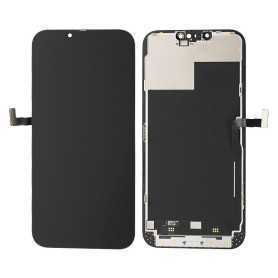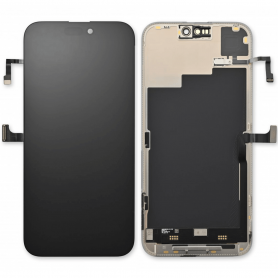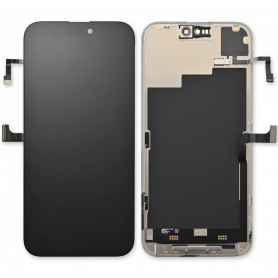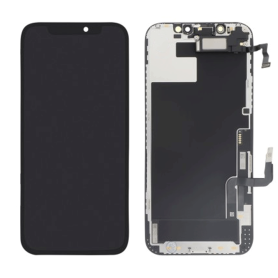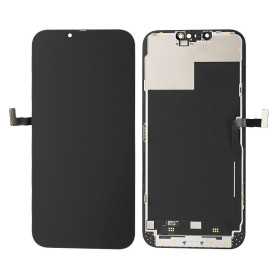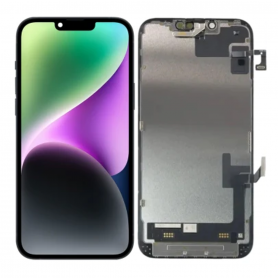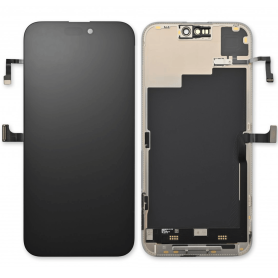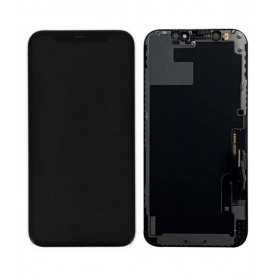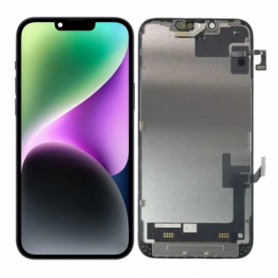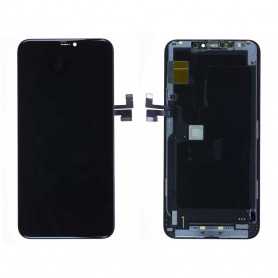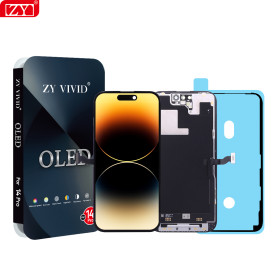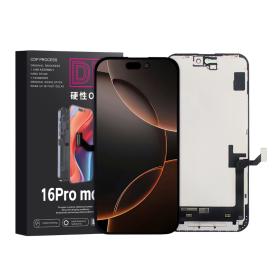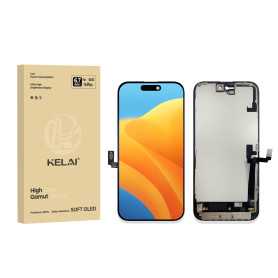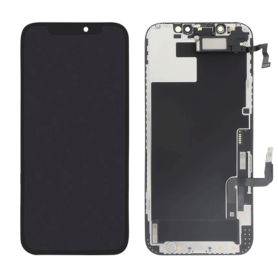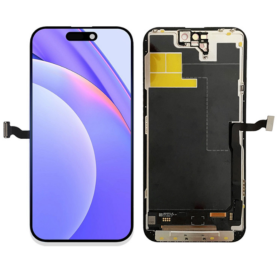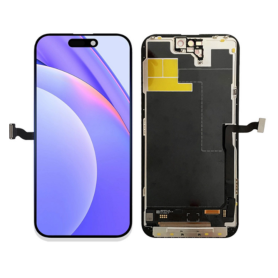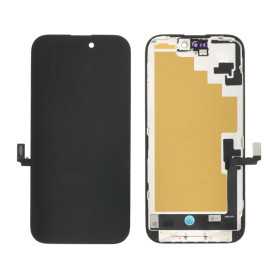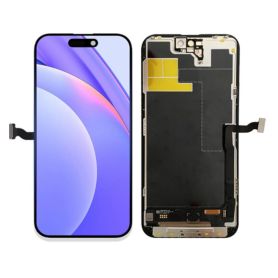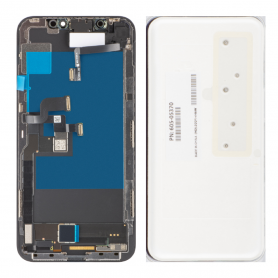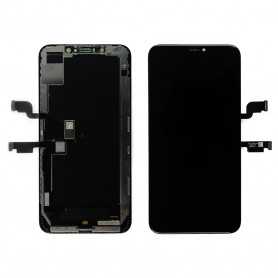

Display iPhone

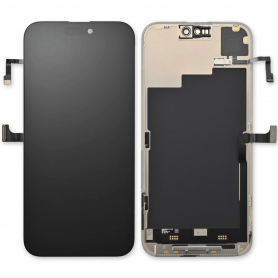
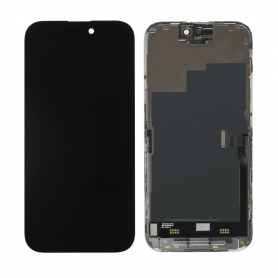
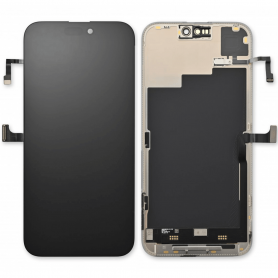
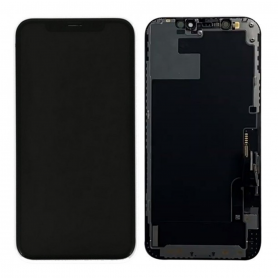
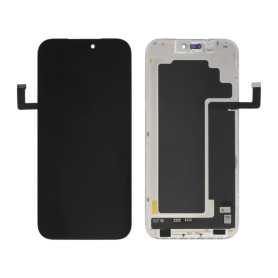
Screen iPhone 17 Pro Max (Original Disassembled) - Grade A
Key Features of Screen iPhone 17 Pro Max (Original Disassembled) - Grade A


Genuine Quality: This screen is an Original Equipment Manufacturer (OEM) component, ensuring genuine Apple quality and performance. It's perfect for those who desire an authentic look and feel for their iPhone 17 Pro Max.


Grade A Condition: The screen is classified as Grade A, indicating it is in prime condition, free from scratches, blemishes, or any visible wear. It offers the same pristine experience as a brand-new display.


Disassembled OEM Part: As an original disassembled product, it is sourced from genuine iPhone 17 Pro Max units, guaranteeing compatibility and optimal performance without the compromises that come with third-party replacements.


Super Retina XDR Display: Experience the brilliance of Apple's Super Retina XDR technology with high dynamic range, vibrant colors, and deep blacks. This screen delivers an immersive viewing experience with unparalleled clarity and resolution.


True Tone and Haptic Touch: Retains key iPhone features like True Tone for adaptive lighting adjustments to suit your environment and Haptic Touch for seamless interaction, ensuring all functionalities operate as intended.


Face ID Compatible: This replacement screen is fully compatible with the iPhone 17 Pro Max's Face ID technology, maintaining all security features without requiring additional calibrations.


Eco-Friendly Choice: By opting for an original disassembled part, you're supporting sustainability through recycling and reusing existing materials, reducing the demand for new production.


Easy Installation: Designed for precision fit and ease of installation. Professional installation is recommended to ensure seamless integration and maintain warranty coverage.


Choose the Screen iPhone 17 Pro Max (Original Disassembled) - Grade A for a top-quality, reliable, and sustainable replacement that maintains your device's excellence.
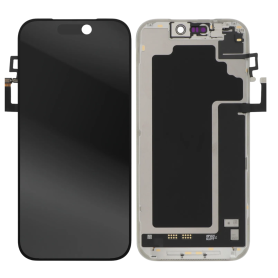
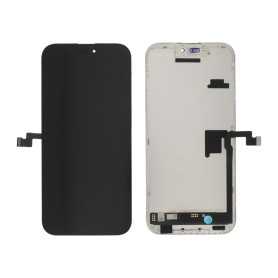
Screen iPhone 17 Pro (Original Refurbished)
Product Name: Screen iPhone 17 (Original Refurbished)
Key Features:


Premium Quality Display: Experience vibrant colors and crystal-clear visuals with our expertly refurbished original iPhone 17 screen, ensuring a seamless integration with your device.


Precision Refurbishment: Each screen undergoes rigorous testing and meticulous restoration processes, guaranteeing peak performance and reliability synonymous with the original.


Enhanced Durability: Crafted with robust materials to resist scratches and minor impacts, this screen promises longevity while maintaining the sleek aesthetic of your iPhone 17.


Touch Sensitivity: Enjoy impeccable touch responsiveness and accuracy, offering you fluid navigation and effortless interaction with apps and functions.


Eco-Friendly Choice: Opt for sustainability with our refurbished screen, contributing to reduced electronic waste and promoting environmentally friendly practices without compromising on quality.


Cost-Effective: Receive exceptional value for your investment, offering you high-quality technology without the premium price tag of new components.


Easy Installation: Designed for hassle-free installation, allowing enthusiasts and professionals alike to replace screens with confidence and ease.


Compatibility Assurance: Perfectly tailored to fit the iPhone 17, providing a seamless look and functionality without any compromise.


Upgrade your viewing experience while supporting a sustainable future with our Screen iPhone 17 (Original Refurbished).
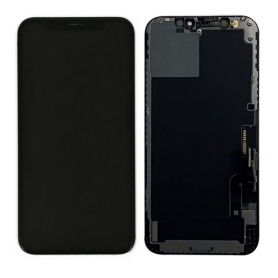
Screen iPhone 17 Air (Original Refurbished)
Key Features of Screen iPhone 17 Pro (Original Refurbished):


Premium Display Quality: Enjoy vibrant colors and sharp details with the 6.1-inch Super Retina XDR display, meticulously refurbished to ensure outstanding visual performance.


Advanced Touch Sensitivity: Experience unrivaled touch responsiveness with TrueTouch technology, ensuring seamless interaction and precision whether you're swiping, tapping, or gaming.


Ceramic Shield Protection: Safeguarded with Ceramic Shield, offering four times better drop protection, keeping your screen pristine and resistant to everyday wear and tear.


Certified Original Components: Each screen is sourced from original iPhone 17 Pro models, guaranteeing full compatibility, optimal performance, and the assurance of Apple’s engineering excellence.


Eco-Friendly Choice: Contribute to sustainability by choosing a refurbished product. Our refurbishment process emphasizes reducing electronic waste while delivering quality.


Strict Quality Checks: Undergoes rigorous testing and quality control protocols to meet the highest standards in performance and durability.


Warranty Coverage: Comes with a limited warranty to provide peace of mind and ensure you have a superior product experience.
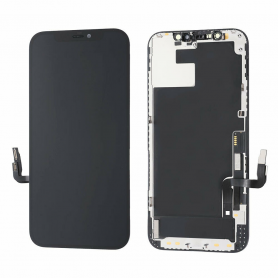

Rediscover your iPhone’s potential with this expertly refurbished screen, merging innovation, quality, and sustainability.
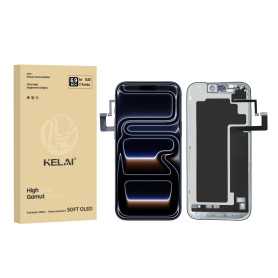
Screen iPhone 17 (Original Refurbished)
Main Features of the iPhone 17 Screen (Original Refurbished) Discover the iPhone 17 Original Refurbished Screen, an ideal choice for bringing your phone back to life with quality and reliability. This Retina LCD screen displays vivid colors and precise details for an exceptional visual experience. The 6.7-inch screen offers an impressive resolution of 2778 x 1284 pixels, ensuring unmatched clarity for watching videos, playing games, and viewing photos. Each screen has been rigorously tested and inspected to ensure it meets Apple's standards, while benefiting from a 12-month warranty for added peace of mind. The adjusted True Tone technology provides an optimal balance of brightness and colors according to the environment, reducing eye strain. Designed to be environmentally friendly, this refurbished screen helps reduce your carbon footprint. Easy installation and compatibility with all iPhone 17 models ensure a hassle-free user experience. Choose quality and durability with this certified refurbished screen.
Screen iPhone 17 Pro Max (Original Reconditioned)
Key Features of Screen iPhone 17 Pro Max (Original Reconditioned):


Genuine Quality: Experience the superior clarity and vibrancy of the original Apple display, reconditioned to meet high-quality standards.


Dynamic Display: Enjoy a seamless visual experience with a 120Hz ProMotion refresh rate for ultra-smooth scrolling and responsiveness.


True Tone Technology: Adjusts the display to the ambient lighting conditions for a more natural viewing experience anywhere, anytime.


Super Retina XDR: Dive into a brilliant display offering unparalleled brightness, contrast, and color accuracy for vivid visuals.


Durability Assured: Made with toughened Ceramic Shield technology, offering enhanced resistance to scratches and accidental drops.


Face ID Compatible: Fully supports Face ID technology, maintaining secure and effortless authentication.


Environmentally Friendly: Choose a sustainable option with reconditioned parts, reducing e-waste and supporting green initiatives.


Perfect Fit: Meticulously reconditioned to ensure a flawless fit and finish, ensuring that it integrates seamlessly with your device for optimal functionality.

Screen iPhone 17 Pro (Original Disassembled) - Grade A
Product Name: Screen iPhone 17 Pro (Original Disassembled) - Grade A
Key Features:


Original Quality Assurance: This iPhone 17 Pro screen is an original disassembled component, ensuring authentic Apple quality and performance. Each unit is sourced directly from manufacturers aligned with Apple specifications.


Grade A Condition: Rated as Grade A, the screen is in pristine condition, meticulously tested to guarantee flawless display and touch sensitivity. Expect perfect brightness, vibrant colors, and optimal screen responsiveness.


Precision Compatibility: Specifically designed for the iPhone 17 Pro, ensuring seamless compatibility with all functions and features of the phone, including face recognition, True Tone, and haptic touch.


Retina XDR Display Technology: Experience cutting-edge visual clarity with support for HDR10 and Dolby Vision, providing an unparalleled viewing experience with deep blacks and a wide color gamut, ideal for high-definition content.


Easy Installation: Comes with detailed installation instructions and tools, making it straightforward for professionals and seasoned DIY enthusiasts to replace without technical hassle.


Sustainable Choice: Utilizing disassembled components supports environmental sustainability by promoting the recycling of high-quality parts, reducing electronic waste.


Warranty and Support: Backed by a limited warranty offering peace of mind, coupled with responsive customer service to assist with any queries post-purchase.


Upgrade your iPhone 17 Pro with assurance, knowing you’re choosing a screen that offers the best in terms of quality, sustainability, and user experience.
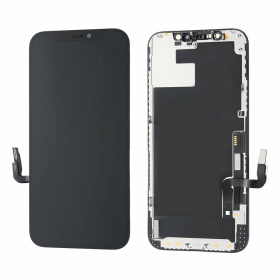
Screen iPhone 17 (Original Disassembled) - Grade A
Key Features of the iPhone 17 Screen (Original Disassembled) - Grade A Guaranteed Compatibility: Designed specifically for the iPhone 17, this screen is perfectly compatible, ensuring smooth integration with your device. Grade A Quality: This superior quality product offers a sharp and vibrant visual experience, with rich colors and high contrast. Grade A ensures there are practically no cosmetic defects. Exceptional Performance: Enjoy flawless touch responsiveness thanks to a screen optimized for smooth and fast performance, ideal for multitasking and demanding applications. Easy Installation: This screen is an original disassembled product, you will benefit from a precise fit, greatly facilitating the replacement process compared to third-party alternatives. Protection and Durability: Equipped with a reinforced scratch-resistant protective layer, the screen is designed to withstand daily wear while extending the longevity of your device. Original Reliability: Being an original disassembled product, it retains all the technical specifications of the original screen with proven reliability, giving you peace of mind with an authentic part. Warranty Included: To strengthen your confidence, this screen is covered by a warranty that protects you against any manufacturing defects. Choosing this iPhone 17 Screen (Original Disassembled) - Grade A means choosing superior quality for unmatched performance and aesthetics.
Screen iPhone 16 Pro Max (Original Disassembled) - Grade A
Key Features of Screen iPhone 16 Pro Max (Original Disassembled) - Grade A


Authentic Quality: This screen is an original, disassembled component from the iPhone 16 Pro Max, ensuring perfect compatibility and performance.
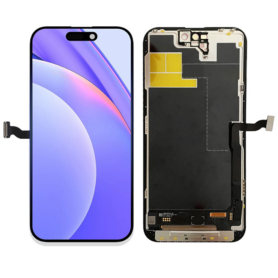

Grade A Condition: Rated as Grade A, this screen is in excellent condition, free from scratches, dead pixels, or any display imperfections, offering a pristine visual experience.


Super Retina XDR Display: Experience vibrant colors and deep contrasts with the Super Retina XDR technology, providing true-to-life visuals and enhanced brightness.


Precision Touch Sensitivity: Enjoy seamless interaction with precise touch sensitivity, ensuring smooth navigation and responsiveness for all your tasks.


True Tone and HDR Support: Equipped with True Tone technology and HDR support, this screen adjusts to ambient lighting for optimal viewing and supports high dynamic range content.


Easy Installation: Designed for straightforward installation, this screen is perfect for professional repair technicians looking to restore the iPhone 16 Pro Max to its original glory.


Durable Construction: Built with robust materials to withstand daily wear and tear, ensuring longevity and reliability.


Eco-Friendly Option: By choosing a disassembled original screen, you contribute to sustainable practices by reducing electronic waste.

Screen iPhone 16 Pro Max (Original Disassembled) - Grade B
Key Features of Screen iPhone 16 Pro Max (Original Disassembled) - Grade B:


Original Quality: This screen is an authentic, original component specifically designed for the iPhone 16 Pro Max, ensuring perfect compatibility and performance.
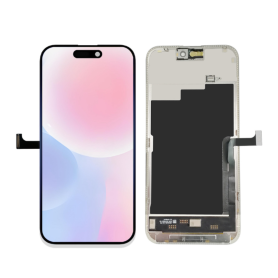

Grade B Condition: The screen is in Grade B condition, meaning it may have minor cosmetic imperfections such as slight scratches or scuffs, but it is fully functional and tested for optimal performance.


High-Resolution Display: Experience the stunning clarity and vibrant colors of the iPhone 16 Pro Max's high-resolution display, providing an immersive viewing experience.


Touch Sensitivity: Retains the original touch sensitivity and responsiveness, ensuring smooth and accurate interaction with your device.


True Tone Technology: Supports True Tone technology, which adjusts the display's color temperature based on ambient lighting for a more natural viewing experience.


Face ID Compatible: Maintains full compatibility with Face ID, allowing secure and convenient authentication.


Easy Installation: Designed for straightforward installation, making it a suitable replacement for DIY enthusiasts and professional technicians alike.


Cost-Effective Solution: An economical choice for restoring your iPhone 16 Pro Max's display functionality without compromising on quality.

Screen iPhone 13 Pro Max (Original Disassembled) - Grade A
Key Features of Screen iPhone 13 Pro Max (Original Disassembled) - Grade A:


Original Quality: Experience the unmatched clarity and responsiveness of an original screen, providing vibrant colors and sharp resolution that meet Apple's high standards.


Grade A Condition: This top-quality screen has been meticulously inspected, ensuring it is free from scratches, cracks, or significant blemishes, offering a look and feel akin to a brand-new display.


Perfect Fit: Designed specifically for the iPhone 13 Pro Max, ensuring seamless integration with all components and optimal functionality, without the need for complex adjustments.


Touch Sensitivity: Maintain the highest touch sensitivity, enabling smooth and precise interaction whether you're typing, gaming, or browsing, similar to the brand-new device experience.


True Tone & 120Hz ProMotion Support: Retains essential features like True Tone for natural color adjustments under different ambient lighting and 120Hz ProMotion for buttery-smooth motion.


Face ID Compatibility: Carefully constructed to ensure full compatibility with Face ID, maintaining the security and convenience features you rely on.


Warranty Included: Comes with a warranty for peace of mind, guaranteeing you a reliable replacement solution backed by quality assurance.


This product is ideal for those seeking to restore their device’s screen performance and aesthetics to almost factory-new condition.
Screen iPhone 13 Pro (Original Disassembled) - Grade A
Key Features of Screen iPhone 13 Pro (Original Disassembled) - Grade A:


Authentic Quality: This screen is an original component directly sourced from disassembled iPhone 13 Pro units, ensuring the highest quality and compatibility.


Grade A Condition: The screen is labeled "Grade A," signifying it is in excellent condition with no visible scratches or defects, providing a pristine display experience.


Perfect Compatibility: Designed specifically for the iPhone 13 Pro, ensuring a seamless fit and optimal performance without compromising the device's functionality.


Advanced Display Technology: Features the Super Retina XDR display technology, offering vibrant colors, deep blacks, and a high resolution for a crystal-clear viewing experience.


True Tone and Haptic Touch: Retains True Tone functionality to automatically adjust the screen's color temperature, along with Haptic Touch for responsive feedback and ease of use.


Face ID Compatibility: Maintains Face ID functionalities, allowing secure and quick access to your device.


Easy Installation: Comes with necessary connectors and is designed for straightforward installation by professionals or experienced individuals.


Cost-Effective Solution: Ideal for repairs or refurbishments, extending the life of your device with a high-quality replacement part.

Screen iPhone 16 Pro (Original Disassembled) - Grade A
Key Features of Screen iPhone 16 Pro (Original Disassembled) - Grade A:


Authentic Quality: This screen is an original, disassembled component from the iPhone 16 Pro, ensuring perfect compatibility and performance.


Grade A Condition: Meticulously inspected to meet Grade A standards, offering pristine clarity and functionality with no visible scratches or blemishes.


Super Retina XDR Display: Experience vibrant colors and deep contrasts with the Super Retina XDR technology, delivering an immersive viewing experience.


True Tone Technology: Automatically adjusts the white balance to match the light around you for a more natural viewing experience.


Haptic Touch Support: Enjoy responsive and tactile feedback with Haptic Touch, enhancing your interaction with the device.


Face ID Compatibility: Fully supports Face ID functionality, ensuring seamless security and convenience.


Easy Installation: Designed for straightforward installation, making it ideal for professional repair technicians.


Eco-Friendly Option: By choosing a disassembled original screen, you contribute to reducing electronic waste and promoting sustainability.


Warranty Included: Comes with a limited warranty, providing peace of mind and assurance of quality.


This screen replacement is perfect for restoring your iPhone 16 Pro to its original glory, maintaining both aesthetic and functional integrity.
Screen iPhone 16 Pro (Original Disassembled) - Grade B
Main Features of the iPhone 16 Pro Screen (Original Disassembled) - Grade B: Authenticity and Compatibility: Original disassembled screen specifically designed for the iPhone 16 Pro, ensuring perfect compatibility with your device for optimal performance. Grade B Quality: While showing slight cosmetic imperfections such as small scratches or marks, this screen retains full functionality and exceptional display quality. Retina Display: Enjoy a high-definition resolution with vivid colors and enhanced contrast, true to the premium visual experience of the iPhone 16 Pro. Intact Touch Functionality: Precise and responsive touch sensitivity, ensuring smooth navigation and flawless interaction with your device. Easy Installation: Designed for easy replacement, this screen is ideal for DIY repairs or professional technicians. Cost Savings and Eco-Friendliness: Choose an economical and environmentally friendly solution by reusing original components. Limited Warranty: Benefit from a limited warranty, providing extra peace of mind with your purchase.
Screen iPhone 15 Pro (Original Disassembled) - Grade A
Key Features of Screen iPhone 15 Pro (Original Disassembled) - Grade A


Authentic Quality: This screen is an original, disassembled component from the iPhone 15 Pro, ensuring perfect compatibility and performance.


Grade A Condition: The screen is in Grade A condition, meaning it is free from scratches, blemishes, and other imperfections, offering a pristine visual experience.


Super Retina XDR Display: Experience vibrant colors and deep blacks with the Super Retina XDR technology, providing an immersive viewing experience with true-to-life visuals.


Ceramic Shield: Enhanced durability with Ceramic Shield front cover, offering superior protection against drops and scratches.


True Tone Technology: Automatically adjusts the white balance to match the light around you for a more natural viewing experience.


Haptic Touch: Enjoy responsive feedback with Haptic Touch, allowing for quick access to essential features and functions.


High Resolution: Boasts a high resolution for crisp and clear images, perfect for gaming, streaming, and browsing.


Easy Installation: Designed for straightforward installation, making it a convenient replacement option for damaged screens.


Eco-Friendly: As a disassembled original part, it supports sustainable practices by reducing electronic waste.


This screen replacement is ideal for maintaining the premium quality and functionality of your iPhone 15 Pro.
Screen iPhone 16 (Original Disassembled) - Grade A
Key Features of Screen iPhone 16 (Original Disassembled) - Grade A


Authentic Quality: This screen is an original, disassembled component from an iPhone 16, ensuring the highest quality and perfect compatibility with your device.


Grade A Condition: The screen is in Grade A condition, meaning it is free from scratches, cracks, and any significant wear, offering a pristine display experience.


Retina Display: Enjoy the vibrant colors and sharp details of the iPhone 16's Retina display, designed to deliver an immersive viewing experience with true-to-life visuals.


Touch Sensitivity: Maintains the original touch sensitivity and responsiveness, ensuring seamless interaction and smooth navigation.


True Tone Technology: Features True Tone technology, which adjusts the display's color temperature based on ambient lighting for a more natural viewing experience.


Easy Installation: Designed for straightforward installation, making it convenient for both professional technicians and DIY enthusiasts.


Compatibility: Specifically engineered for the iPhone 16, ensuring a perfect fit and full functionality with all device features.


Eco-Friendly Option: By choosing a disassembled original screen, you contribute to reducing electronic waste and promoting sustainable practices.


Upgrade your iPhone 16 with confidence, knowing you're getting a top-tier, original component that restores your device to its full potential.
Screen iPhone 14 Pro (Original Disassembled) - Grade A
Key Features of Screen iPhone 14 Pro (Original Disassembled) - Grade A:


Original Quality: This screen is an original, disassembled component designed for the iPhone 14 Pro, ensuring the same high quality and performance as the manufacturer's standards.


Grade A Condition: Rated as Grade A, this screen offers pristine condition with no noticeable scratches or blemishes, providing an optimal visual experience identical to a brand-new screen.


Perfect Compatibility: Specifically manufactured for the iPhone 14 Pro, this screen guarantees perfect fit and function, seamlessly integrating with all device components.


Superior Display: Enjoy the Retina XDR display technology with vibrant colors, deep blacks, and exceptional brightness and contrast levels for an enhanced viewing experience.


True Tone & HDR Support: The screen supports True Tone and HDR, allowing for a natural viewing experience with accurate color representation that adjusts to environmental lighting conditions.


Face ID Compatibility: Maintains full functionality of Face ID, ensuring secure and convenient access to your phone.


Professional Installation Recommended: Due to the technical complexity, professional installation is recommended to ensure proper fitting and to avoid damage during installation.


Eco-Friendly Option: Choosing an original disassembled part is environmentally friendly, as it promotes recycling and reduction of electronic waste.


This product is ideal for restoring your iPhone 14 Pro to its original glory with uncompromised quality.
Screen iPhone 15 Pro (Original Disassembled) - Grade B
Main Features of the iPhone 15 Pro Screen (Original Disassembled) - Grade B: Guaranteed Authenticity: Original disassembled screen, ensuring perfect compatibility with the iPhone 15 Pro for optimal performance. Grade B Quality: Presents slight cosmetic imperfections such as small scratches or marks, without compromising functionality or display. Super Retina XDR Display: Enjoy exceptional resolution with vivid colors and high contrast, ideal for an immersive visual experience. True Tone Technology: Automatically adjusts white balance for natural color rendering in all lighting conditions. Face ID Compatibility: Retains all the security and facial recognition features of your device. Easy Installation: Designed for easy replacement, with the necessary tools included for a quick and hassle-free installation. Eco-Friendly: By choosing a disassembled screen, you contribute to reducing electronic waste and preserving the environment. Functionality Guarantee: Tested to ensure flawless performance, with a limited warranty for your peace of mind.
Screen iPhone 14 Pro with Proximity Sensor Flex (Original Refurbished) - Supports Configuration

Use Repair Assistant to Finish an iPhone or iPad Repair

On an iPhone 12 or later running iOS 18, when a new Apple screen is installed, “Finish Repair” will appear next to Screen until you complete the repair using the Repair Assistant.


On an iPhone 12 or later running iOS 18, it is possible to reuse an original Apple screen on another iPhone of the same model.
The date of first use and the condition of the screen can be found in Settings > General > About > Parts & Service History.


How to Run Diagnostics & Finish Repair for iPhone Screen
1. Ensure your device is updated to iOS 18
2. Go to Settings > General > About > Parts & Service History
3. Tap "Restart & Finish Repair" to activate the Repair Assistant
4. Follow the on-screen instructions to complete the calibration
After completing this process, your screen will be fully functional, and there will be no pop-up warning about non-genuine parts.


Important Notes:

Your iPhone must be connected to Wi-Fi
Your battery level should be above 20%
If the process fails, restart your device and try again
If the repair is not completed, the screen may not function optimally, and some features (True Tone, Face ID) may be disabled until calibration is finalized


Screen iPhone 15 (Original Disassembled) - Grade A
Key Features of Screen iPhone 15 (Original Disassembled) - Grade A


Authentic Quality: This screen is an original disassembled component from the iPhone 15, ensuring the highest quality and compatibility with your device.


Grade A Condition: The screen is in Grade A condition, meaning it is free from scratches, cracks, and other imperfections, offering a pristine display experience.


Perfect Fit: Designed specifically for the iPhone 15, this screen guarantees a seamless fit and optimal performance, maintaining the original look and feel of your device.


High-Resolution Display: Experience vibrant colors and sharp details with the high-resolution display, providing an immersive viewing experience for all your media needs.


Touch Sensitivity: Enjoy precise and responsive touch sensitivity, ensuring smooth navigation and interaction with your apps and features.


Easy Installation: The screen comes ready for installation, making it convenient for professional technicians to replace your damaged screen efficiently.


Cost-Effective Solution: Opt for this original disassembled screen as a cost-effective alternative to purchasing a brand-new device, extending the life of your iPhone 15.


Eco-Friendly Choice: By choosing a disassembled original screen, you contribute to reducing electronic waste and promoting sustainable practices.

Screen iPhone 12 Pro Max (Original Disassembled) Grade A
Key Features of Screen iPhone 12 Pro Max (Original Disassembled) Grade A:


Authentic Quality: This screen is an original, disassembled unit from an iPhone 12 Pro Max, ensuring genuine Apple quality and performance.


Grade A Condition: Featuring minimal signs of prior use, this Grade A screen is rigorously inspected to meet high standards for display clarity and sensitivity.


Super Retina XDR Display: Enjoy stunning visuals with the Super Retina XDR display, offering vibrant colors, high contrast, and impressive brightness for an immersive viewing experience.


6.7-Inch OLED Technology: The large 6.7-inch OLED panel delivers exceptional clarity and energy efficiency, providing seamless integration with your device's functionalities.


True Tone and Haptic Touch: Experience advanced technology with True Tone adjustments for optimal color balance and Haptic Touch for responsive interaction.


Scratch Resistance: Designed with durable glass, this screen offers scratch resistance to maintain its pristine appearance over time.


Seamless Compatibility: Perfectly compatible with the iPhone 12 Pro Max, ensuring full functionality with Face ID, sensors, and more.


Cost-Effective Solution: Ideal for repairs, this screen offers a cost-effective solution for restoring your device's original display quality without compromising on performance.

Screen iPhone 12 Pro Max (Original Disassembled) Grade A
Key Features of Screen iPhone 12 Pro Max (Original Disassembled) Grade A:


Authenticity & Quality: This screen is an original, disassembled component from the iPhone 12 Pro Max, ensuring compatibility and excellent performance. Its Grade A rating signifies minimal to no signs of prior use, guaranteeing a like-new appearance and functionality.


Display Excellence: Boasting a Super Retina XDR display, it offers stunning color accuracy, deep blacks, and bright contrast. The 6.7-inch OLED panel ensures an immersive viewing experience, ideal for streaming, gaming, and daily use.


True Tone & HDR Support: Equipped with True Tone technology, the screen automatically adjusts the white balance for optimal viewing in any lighting condition. HDR10 support enhances video playback quality with vibrant colors and detailed highlights.


Touch Sensitivity & Haptic Feedback: The screen retains its highly responsive touch sensitivity and precise haptic feedback, ensuring a seamless and intuitive user experience.


Easy Installation: This original screen replacement comes pre-assembled with key components such as the front camera bracket, making the installation process straightforward for professionals and DIY enthusiasts alike.


Durability: Made with robust materials, the screen is designed to resist scratches and minor impacts, maintaining its pristine condition over time.

Screen iPhone 12 Pro Max with Proximity Sensor Flex (Original Refurbished) - Supports Configuration

Use Repair Assistant to Finish an iPhone or iPad Repair

On an iPhone 12 or later running iOS 18, when a new Apple screen is installed, “Finish Repair” will appear next to Screen until you complete the repair using the Repair Assistant.


On an iPhone 12 or later running iOS 18, it is possible to reuse an original Apple screen on another iPhone of the same model.
The date of first use and the condition of the screen can be found in Settings > General > About > Parts & Service History.


How to Run Diagnostics & Finish Repair for iPhone Screen
1. Ensure your device is updated to iOS 18
2. Go to Settings > General > About > Parts & Service History
3. Tap "Restart & Finish Repair" to activate the Repair Assistant
4. Follow the on-screen instructions to complete the calibration
After completing this process, your screen will be fully functional, and there will be no pop-up warning about non-genuine parts.


Important Notes:

Your iPhone must be connected to Wi-Fi
Your battery level should be above 20%
If the process fails, restart your device and try again
If the repair is not completed, the screen may not function optimally, and some features (True Tone, Face ID) may be disabled until calibration is finalized


Screen iPhone 14 Plus with Proximity Sensor Flex (Original Refurbished) - Supports Configuration

Use Repair Assistant to Finish an iPhone or iPad Repair

On an iPhone 12 or later running iOS 18, when a new Apple screen is installed, “Finish Repair” will appear next to Screen until you complete the repair using the Repair Assistant.


On an iPhone 12 or later running iOS 18, it is possible to reuse an original Apple screen on another iPhone of the same model.
The date of first use and the condition of the screen can be found in Settings > General > About > Parts & Service History.


How to Run Diagnostics & Finish Repair for iPhone Screen
1. Ensure your device is updated to iOS 18
2. Go to Settings > General > About > Parts & Service History
3. Tap "Restart & Finish Repair" to activate the Repair Assistant
4. Follow the on-screen instructions to complete the calibration
After completing this process, your screen will be fully functional, and there will be no pop-up warning about non-genuine parts.


Important Notes:

Your iPhone must be connected to Wi-Fi
Your battery level should be above 20%
If the process fails, restart your device and try again
If the repair is not completed, the screen may not function optimally, and some features (True Tone, Face ID) may be disabled until calibration is finalized


Screen iPhone 14 with Proximity Sensor Flex (Original Disassembled) - Grade A
Main Features of the iPhone 14 Screen with Proximity Sensor Flex Cable (Original Pulled) - Grade A: Superior Quality: This screen is graded Grade A, guaranteeing exceptional display quality with vivid colors and optimal clarity, comparable to the original screen of your iPhone 14. Original Pulled: Sourced from original devices, this screen retains all the specifications and performance of a new screen, ensuring perfect compatibility and seamless integration. Integrated Proximity Sensor Flex Cable: Includes the proximity sensor flex cable, essential for the proper operation of proximity detection features, such as turning off the screen during calls. Easy Installation: Designed for a simple and quick replacement, this screen is ideal for technicians and experienced users looking to restore their device to its original condition. Durability and Reliability: Tested to withstand daily wear, this screen offers increased longevity, ensuring extended use without compromising performance. Full Compatibility: Specifically designed for the iPhone 14, ensuring full compatibility with all features and software updates.
Screen iPhone 13 Pro Max with Proximity Sensor Flex Cable (Original Refurbished) - Supports Configuration

Use Repair Assistant to Finish an iPhone or iPad Repair

On an iPhone 12 or later running iOS 18, when a new Apple screen is installed, “Finish Repair” will appear next to Screen until you complete the repair using the Repair Assistant.


On an iPhone 12 or later running iOS 18, it is possible to reuse an original Apple screen on another iPhone of the same model.
The date of first use and the condition of the screen can be found in Settings > General > About > Parts & Service History.


How to Run Diagnostics & Finish Repair for iPhone Screen
1. Ensure your device is updated to iOS 18
2. Go to Settings > General > About > Parts & Service History
3. Tap "Restart & Finish Repair" to activate the Repair Assistant
4. Follow the on-screen instructions to complete the calibration
After completing this process, your screen will be fully functional, and there will be no pop-up warning about non-genuine parts.


Important Notes:

Your iPhone must be connected to Wi-Fi
Your battery level should be above 20%
If the process fails, restart your device and try again
If the repair is not completed, the screen may not function optimally, and some features (True Tone, Face ID) may be disabled until calibration is finalized


iPhone 14 Plus Screen (Original Disassembled) - Grade A
Key Features of the iPhone 14 Plus Screen (Original Disassembled) - Grade A:


Genuine Quality: This screen is an original, disassembled component, ensuring the highest quality and compatibility with your iPhone 14 Plus. It retains the integrity and performance of the factory-installed display.


Grade A Condition: The screen undergoes rigorous quality checks and is classified as Grade A, ensuring minimal wear and tear with no visible scratches or imperfections, providing a like-new appearance and functionality.


Superior Display Technology: Enjoy vibrant colors, deep contrast, and sharp resolutions with the OLED technology, making your content appear crisp and immersive, identical to the original experience of your iPhone 14 Plus.


Perfect Fit: Engineered specifically for the iPhone 14 Plus, this screen offers a seamless fit and straightforward installation with precise cutouts and connectors, ensuring all features, including Face ID and True Tone, function perfectly.


Cost-Effective Solution: Ideal for repairs or replacements, this screen provides a cost-effective option to restore your device's functionality and aesthetics without compromising on quality or performance.


Eco-Friendly Choice: Utilizing original disassembled components promotes environmental sustainability by reducing electronic waste, aligning with eco-conscious consumer values.

New
Screen iPhone 17 Pro Max (OEM) Soft Oled - Diagnosable - No Pop-up - 120Hz

Use Repair Assistant to Finish an iPhone or iPad Repair

On an iPhone 12 or later running iOS 18, when a new Apple screen is installed,“Finish Repair” will appear next to Screen until you complete the repair using the Repair Assistant.


On an iPhone 12 or later running iOS 18, it is possible to reuse an original Apple screen on another iPhone of the same model.
The date of first use and the condition of the screen can be found in Settings > General > About > Parts & Service History.


How to Run Diagnostics & Finish Repair for iPhone Screen
1. Ensure your device is updated to iOS 18
2. Go to Settings > General > About > Parts & Service History
3. Tap "Restart & Finish Repair" to activate the Repair Assistant
4. Follow the on-screen instructions to complete the calibration
After completing this process, your screen will be fully functional, and there will be no pop-up warning about non-genuine parts.


Important Notes:

Your iPhone must be connected to Wi-Fi
Your battery level should be above 20%
If the process fails, restart your device and try again
If the repair is not completed, the screen may not function optimally, and some features (True Tone, Face ID) may be disabled until calibration is finalized


New
Screen iPhone 16 Pro Max (OEM) Soft Oled - Diagnosable - No Pop-up - 120Hz

Use Repair Assistant to Finish an iPhone or iPad Repair

On an iPhone 12 or later running iOS 18, when a new Apple screen is installed,“Finish Repair” will appear next to Screen until you complete the repair using the Repair Assistant.


On an iPhone 12 or later running iOS 18, it is possible to reuse an original Apple screen on another iPhone of the same model.
The date of first use and the condition of the screen can be found in Settings > General > About > Parts & Service History.


How to Run Diagnostics & Finish Repair for iPhone Screen
1. Ensure your device is updated to iOS 18
2. Go to Settings > General > About > Parts & Service History
3. Tap "Restart & Finish Repair" to activate the Repair Assistant
4. Follow the on-screen instructions to complete the calibration
After completing this process, your screen will be fully functional, and there will be no pop-up warning about non-genuine parts.


Important Notes:

Your iPhone must be connected to Wi-Fi
Your battery level should be above 20%
If the process fails, restart your device and try again
If the repair is not completed, the screen may not function optimally, and some features (True Tone, Face ID) may be disabled until calibration is finalized


Screen iPhone 13 Pro with Proximity Sensor Flex (Original Refurbished) - Supports Configuration

Use Repair Assistant to Finish an iPhone or iPad Repair

On an iPhone 12 or later running iOS 18, when a new Apple screen is installed, “Finish Repair” will appear next to Screen until you complete the repair using the Repair Assistant.


On an iPhone 12 or later running iOS 18, it is possible to reuse an original Apple screen on another iPhone of the same model.
The date of first use and the condition of the screen can be found in Settings > General > About > Parts & Service History.


How to Run Diagnostics & Finish Repair for iPhone Screen
1. Ensure your device is updated to iOS 18
2. Go to Settings > General > About > Parts & Service History
3. Tap "Restart & Finish Repair" to activate the Repair Assistant
4. Follow the on-screen instructions to complete the calibration
After completing this process, your screen will be fully functional, and there will be no pop-up warning about non-genuine parts.


Important Notes:

Your iPhone must be connected to Wi-Fi
Your battery level should be above 20%
If the process fails, restart your device and try again
If the repair is not completed, the screen may not function optimally, and some features (True Tone, Face ID) may be disabled until calibration is finalized


Screen iPhone 12 Pro Max (Original Refurbished)
Key Features of Screen iPhone 12 Pro Max (Original Refurbished):


Genuine Quality: This refurbished screen is an original Apple component, ensuring the same high-quality performance and durability as a brand-new screen.


Super Retina XDR Display: Experience stunning visuals with a 6.7-inch Super Retina XDR display, offering vibrant colors, deep blacks, and exceptional brightness for an immersive viewing experience.


Precision Fit: Designed specifically for the iPhone 12 Pro Max, this screen guarantees a perfect fit, maintaining the sleek design and functionality of your device.


Touch Sensitivity: Enjoy seamless interaction with precise touch sensitivity and responsiveness, making navigation and usage smooth and efficient.


True Tone Technology: Equipped with True Tone technology, the screen adjusts to ambient lighting conditions, providing a natural viewing experience in any environment.


HDR Support: Supports HDR10 and Dolby Vision, delivering enhanced contrast and a wider color gamut for superior video playback.


Eco-Friendly Choice: Opting for a refurbished screen contributes to sustainability by reducing electronic waste and promoting the reuse of high-quality components.


Cost-Effective Solution: Get the premium features of an original screen at a fraction of the cost, offering excellent value for money without compromising on quality.

Screen iPhone 17 Pro Max (Soft OLED) KELAI - Diagnostic

Use Repair Assistant to Finish an iPhone or iPad Repair

On an iPhone 12 or later running iOS 18, when a new Apple screen is installed,“Finish Repair” will appear next to Screen until you complete the repair using the Repair Assistant.


On an iPhone 12 or later running iOS 18, it is possible to reuse an original Apple screen on another iPhone of the same model.
The date of first use and the condition of the screen can be found in Settings > General > About > Parts & Service History.


How to Run Diagnostics & Finish Repair for iPhone Screen
1. Ensure your device is updated to iOS 18
2. Go to Settings > General > About > Parts & Service History
3. Tap "Restart & Finish Repair" to activate the Repair Assistant
4. Follow the on-screen instructions to complete the calibration
After completing this process, your screen will be fully functional, and there will be no pop-up warning about non-genuine parts.


Important Notes:

Your iPhone must be connected to Wi-Fi
Your battery level should be above 20%
If the process fails, restart your device and try again
If the repair is not completed, the screen may not function optimally, and some features (True Tone, Face ID) may be disabled until calibration is finalized


Screen iPhone 14 Pro (Original Refurbished)
Key Features of Screen iPhone 14 Pro (Original Refurbished):


Genuine Apple Quality: This refurbished screen is an original Apple component, ensuring the same high-quality performance and durability as a brand-new screen.


Super Retina XDR Display: Experience stunning visuals with the 6.1-inch Super Retina XDR display, offering vibrant colors, deep blacks, and exceptional brightness for an immersive viewing experience.


ProMotion Technology: Enjoy smooth scrolling and responsive touch with ProMotion technology, featuring a 120Hz refresh rate for fluid motion and enhanced interactivity.


Ceramic Shield: Enhanced durability with Ceramic Shield front cover, providing superior protection against scratches and drops.


True Tone & Wide Color (P3): True Tone technology adjusts the display to the ambient lighting for a more natural viewing experience, while Wide Color (P3) delivers a rich and vibrant color palette.


HDR Support: Supports HDR10 and Dolby Vision for an elevated viewing experience with compatible content, offering greater detail and contrast.


Face ID Compatibility: Fully compatible with Face ID technology, ensuring secure and convenient authentication.


Eco-Friendly Choice: Opting for a refurbished screen supports sustainability by reducing electronic waste and promoting resource conservation.


This refurbished screen is rigorously tested and certified to meet Apple's standards, providing a cost-effective solution without compromising on quality.
iPhone 14 Screen (Original, Disassembled) - Grade A
Key Features of iPhone 14 Screen (Original, Disassembled) - Grade A:


Genuine Apple Part: This screen is an original, disassembled component, ensuring superior quality and perfect compatibility with the iPhone 14, delivering optimal performance.


Pristine Grade A Condition: Carefully selected and thoroughly tested, our screens are in Grade A condition, free from any scratches, dead pixels, or defects, providing a flawless visual experience.


Retina Display Excellence: Experience vibrant colors and unparalleled clarity with the iPhone 14's Retina display technology, known for its high resolution and true-to-life color accuracy.


Touch Sensitivity and Durability: Enjoy seamless touch responsiveness with this OEM screen, built to last and withstand daily wear while maintaining its pristine performance.


Precision Fit: Designed for a perfect fit, this screen ensures easy installation and restoration of your device to its original state, maintaining its sleek profile without any gaps or imperfections.


Compatibility: Specifically engineered for the iPhone 14, ensuring all functionalities, including Face ID, 3D Touch, and True Tone, work seamlessly.


Environmental Responsibility: By choosing a disassembled original screen, you are supporting environmentally sustainable practices and reducing electronic waste.


Restore your iPhone 14 to its original glory with this premium, authentic display replacement designed for excellence and longevity.
Screen iPhone 15 (Original Refurbished)
Key Features of Screen iPhone 15 (Original Refurbished):


Genuine Apple Display: Experience the brilliance of an authentic Apple screen, meticulously refurbished to meet original specifications, ensuring vibrant colors and sharp visuals.


Advanced Ceramic Shield: Enhanced durability with Ceramic Shield technology, offering superior protection against scratches and accidental drops.


True Tone Technology: Adaptive display adjusts to ambient lighting conditions, providing a natural viewing experience that reduces eye strain.


Super Retina XDR Display: Enjoy stunning clarity and detail with the Super Retina XDR display, delivering deep blacks and true-to-life colors for an immersive viewing experience.


High Refresh Rate: Smooth scrolling and responsive touch with a high refresh rate, perfect for gaming and seamless navigation.


Eco-Friendly Choice: Contribute to sustainability by choosing a refurbished product, reducing electronic waste while enjoying premium quality.


Comprehensive Testing: Each screen undergoes rigorous testing to ensure functionality and performance, backed by a warranty for peace of mind.


Easy Installation: Designed for hassle-free installation, compatible with iPhone 15 models, ensuring a perfect fit and optimal performance.


Choose the Screen iPhone 15 (Original Refurbished) for a reliable, eco-conscious upgrade that doesn't compromise on quality.
Screen iPhone 11 Pro (Original Disassembled) - Grade A
Key Features of Screen iPhone 11 Pro (Original Disassembled)

Genuine Apple Part: This screen is an original, disassembled part, ensuring compatibility and optimal performance for your iPhone 11 Pro.
Super Retina XDR Display: Enjoy stunning visuals with the 5.8-inch OLED display offering a resolution of 2436 x 1125 pixels, delivering sharp, vibrant colors and deep blacks.
Precision Fit: Engineered to match the exact specifications of the iPhone 11 Pro, providing a seamless fit and ensuring that features such as Face ID and True Tone function flawlessly.
Durability: Made with advanced materials to endure daily wear, maintaining touchscreen sensitivity and responsiveness.
Easy Integration: Designed for straightforward installation for professionals, saving time without compromising quality.
Supports Haptic Touch: Offers tactile feedback, enhancing user interaction and experience with the device.
Environmental Compliance: Adheres to high environmental standards, proving it is free from harmful substances.
Optimal Performance: Guarantees consistent touch response and visual quality, matching new-device standards.
Peace of Mind: Ideal for repairs, extending the life and functionality of your device with original Apple quality.
Screen iPhone 14 Pro (Hard OLED) ZY - Support IC Change
Main Features of the iPhone 14 Pro (OLED) ZY Screen Optimal Compatibility: Designed exclusively for the iPhone 14 Pro, this OLED ZY screen ensures perfect integration, preserving the original user experience while allowing for easy installation. Superior OLED Technology: Enjoy exceptional display quality thanks to OLED technology. Vibrant colors, deep blacks, and high contrast provide a striking visual experience for all your activities, whether watching videos or browsing the Web. Sharp and Precise Resolution: With a high resolution, this screen renders images with unmatched clarity and sharpness, allowing you to see every detail with incredible precision. Energy-Efficient Backlighting: Due to its OLED nature, this screen provides better energy efficiency, extending your device's battery life while reducing battery consumption. Exceptional Touch Responsiveness: The iPhone 14 Pro (OLED) ZY screen offers flawless touch responsiveness, ensuring smooth and fast interaction with your device for optimal navigation. Increased Durability: Made with high-quality materials, this screen resists scratches and impacts, contributing to the longevity of your smartphone. Easy Installation: Supplied with a tool and detailed guide, installation becomes simple and accessible even for those without prior experience. Optimize the performance and appearance of your iPhone 14 Pro with the OLED ZY screen, synonymous with quality and technological innovation.
Screen iPhone 17 Pro Max (INCELL) ZY - COF - FHD1080p - 120Hz - Diagnosable

Use Repair Assistant to Finish an iPhone or iPad Repair

On an iPhone 12 or later running iOS 18, when a new Apple screen is installed,“Finish Repair” will appear next to Screen until you complete the repair using the Repair Assistant.


On an iPhone 12 or later running iOS 18, it is possible to reuse an original Apple screen on another iPhone of the same model.
The date of first use and the condition of the screen can be found in Settings > General > About > Parts & Service History.


How to Run Diagnostics & Finish Repair for iPhone Screen
1. Ensure your device is updated to iOS 18
2. Go to Settings > General > About > Parts & Service History
3. Tap "Restart & Finish Repair" to activate the Repair Assistant
4. Follow the on-screen instructions to complete the calibration
After completing this process, your screen will be fully functional, and there will be no pop-up warning about non-genuine parts.


Important Notes:

Your iPhone must be connected to Wi-Fi
Your battery level should be above 20%
If the process fails, restart your device and try again
If the repair is not completed, the screen may not function optimally, and some features (True Tone, Face ID) may be disabled until calibration is finalized


Screen iPhone 17 Pro (INCELL) ZY - COF - FHD1080p - 120Hz - Diagnosable

Use Repair Assistant to Finish an iPhone or iPad Repair

On an iPhone 12 or later running iOS 18, when a new Apple screen is installed,“Finish Repair” will appear next to Screen until you complete the repair using the Repair Assistant.


On an iPhone 12 or later running iOS 18, it is possible to reuse an original Apple screen on another iPhone of the same model.
The date of first use and the condition of the screen can be found in Settings > General > About > Parts & Service History.


How to Run Diagnostics & Finish Repair for iPhone Screen
1. Ensure your device is updated to iOS 18
2. Go to Settings > General > About > Parts & Service History
3. Tap "Restart & Finish Repair" to activate the Repair Assistant
4. Follow the on-screen instructions to complete the calibration
After completing this process, your screen will be fully functional, and there will be no pop-up warning about non-genuine parts.


Important Notes:

Your iPhone must be connected to Wi-Fi
Your battery level should be above 20%
If the process fails, restart your device and try again
If the repair is not completed, the screen may not function optimally, and some features (True Tone, Face ID) may be disabled until calibration is finalized


Screen iPhone 16 Pro Max (Soft OLED) ZY - 120Hz - Diagnosable

Use Repair Assistant to Finish an iPhone or iPad Repair

On an iPhone 12 or later running iOS 18, when a new Apple screen is installed,“Finish Repair” will appear next to Screen until you complete the repair using the Repair Assistant.


On an iPhone 12 or later running iOS 18, it is possible to reuse an original Apple screen on another iPhone of the same model.
The date of first use and the condition of the screen can be found in Settings > General > About > Parts & Service History.


How to Run Diagnostics & Finish Repair for iPhone Screen
1. Ensure your device is updated to iOS 18
2. Go to Settings > General > About > Parts & Service History
3. Tap "Restart & Finish Repair" to activate the Repair Assistant
4. Follow the on-screen instructions to complete the calibration
After completing this process, your screen will be fully functional, and there will be no pop-up warning about non-genuine parts.


Important Notes:

Your iPhone must be connected to Wi-Fi
Your battery level should be above 20%
If the process fails, restart your device and try again
If the repair is not completed, the screen may not function optimally, and some features (True Tone, Face ID) may be disabled until calibration is finalized


Screen iPhone 16E /17E (Original Refurbished)
Key Features of Screen iPhone 16E (Original Refurbished)


High-Quality Display: Experience vibrant colors and sharp clarity with a genuine Apple Retina display, offering a seamless visual experience for all your apps, photos, and videos.


Certified Refurbishment: This product has undergone a comprehensive refurbishment process, including functional testing, cleaning, and inspection, ensuring it meets Apple’s high standards.


Eco-Friendly Choice: Opt for sustainability by choosing a refurbished product that reduces electronic waste while still delivering premium performance.


True Tone Technology: Adapts the screen’s brightness and color temperature to the ambient light for optimal viewing comfort in any environment.


Scratch-Resistant Coating: Features durable glass with an added layer of protection to reduce scratches and maintain the screen’s pristine condition.


Full Compatibility: Perfect fit and functionality with your iPhone 16E, ensuring effortless installation and immediate usability.


Cost Effective: Enjoy significant savings without compromising on quality, making it a smart choice for budget-conscious consumers.


Comprehensive Warranty: Comes with a limited warranty that covers parts and labor, offering peace of mind with your purchase.

New
Screen iPhone 16 Plus (OEM) Soft Oled - Diagnosable - No Pop-up

Use Repair Assistant to Finish an iPhone or iPad Repair

On an iPhone 12 or later running iOS 18, when a new Apple screen is installed,“Finish Repair” will appear next to Screen until you complete the repair using the Repair Assistant.


On an iPhone 12 or later running iOS 18, it is possible to reuse an original Apple screen on another iPhone of the same model.
The date of first use and the condition of the screen can be found in Settings > General > About > Parts & Service History.


How to Run Diagnostics & Finish Repair for iPhone Screen
1. Ensure your device is updated to iOS 18
2. Go to Settings > General > About > Parts & Service History
3. Tap "Restart & Finish Repair" to activate the Repair Assistant
4. Follow the on-screen instructions to complete the calibration
After completing this process, your screen will be fully functional, and there will be no pop-up warning about non-genuine parts.


Important Notes:

Your iPhone must be connected to Wi-Fi
Your battery level should be above 20%
If the process fails, restart your device and try again
If the repair is not completed, the screen may not function optimally, and some features (True Tone, Face ID) may be disabled until calibration is finalized


Screen iPhone 16 Plus (Soft OLED) KELAI - Diagnostic

Use Repair Assistant to Finish an iPhone or iPad Repair

On an iPhone 12 or later running iOS 18, when a new Apple screen is installed,“Finish Repair” will appear next to Screen until you complete the repair using the Repair Assistant.


On an iPhone 12 or later running iOS 18, it is possible to reuse an original Apple screen on another iPhone of the same model.
The date of first use and the condition of the screen can be found in Settings > General > About > Parts & Service History.


How to Run Diagnostics & Finish Repair for iPhone Screen
1. Ensure your device is updated to iOS 18
2. Go to Settings > General > About > Parts & Service History
3. Tap "Restart & Finish Repair" to activate the Repair Assistant
4. Follow the on-screen instructions to complete the calibration
After completing this process, your screen will be fully functional, and there will be no pop-up warning about non-genuine parts.


Important Notes:

Your iPhone must be connected to Wi-Fi
Your battery level should be above 20%
If the process fails, restart your device and try again
If the repair is not completed, the screen may not function optimally, and some features (True Tone, Face ID) may be disabled until calibration is finalized


New
Screen iPhone 17 (OEM) Hard Oled - Diagnosable - No Pop-up - 120Hz

Use Repair Assistant to Finish an iPhone or iPad Repair

On an iPhone 12 or later running iOS 18, when a new Apple screen is installed,“Finish Repair” will appear next to Screen until you complete the repair using the Repair Assistant.


On an iPhone 12 or later running iOS 18, it is possible to reuse an original Apple screen on another iPhone of the same model.
The date of first use and the condition of the screen can be found in Settings > General > About > Parts & Service History.


How to Run Diagnostics & Finish Repair for iPhone Screen
1. Ensure your device is updated to iOS 18
2. Go to Settings > General > About > Parts & Service History
3. Tap "Restart & Finish Repair" to activate the Repair Assistant
4. Follow the on-screen instructions to complete the calibration
After completing this process, your screen will be fully functional, and there will be no pop-up warning about non-genuine parts.


Important Notes:

Your iPhone must be connected to Wi-Fi
Your battery level should be above 20%
If the process fails, restart your device and try again
If the repair is not completed, the screen may not function optimally, and some features (True Tone, Face ID) may be disabled until calibration is finalized


New
Screen iPhone 16 Pro (OEM) Hard Oled - Diagnosable - No Pop-up - 120Hz

Use Repair Assistant to Finish an iPhone or iPad Repair

On an iPhone 12 or later running iOS 18, when a new Apple screen is installed,“Finish Repair” will appear next to Screen until you complete the repair using the Repair Assistant.


On an iPhone 12 or later running iOS 18, it is possible to reuse an original Apple screen on another iPhone of the same model.
The date of first use and the condition of the screen can be found in Settings > General > About > Parts & Service History.


How to Run Diagnostics & Finish Repair for iPhone Screen
1. Ensure your device is updated to iOS 18
2. Go to Settings > General > About > Parts & Service History
3. Tap "Restart & Finish Repair" to activate the Repair Assistant
4. Follow the on-screen instructions to complete the calibration
After completing this process, your screen will be fully functional, and there will be no pop-up warning about non-genuine parts.


Important Notes:

Your iPhone must be connected to Wi-Fi
Your battery level should be above 20%
If the process fails, restart your device and try again
If the repair is not completed, the screen may not function optimally, and some features (True Tone, Face ID) may be disabled until calibration is finalized


Screen iPhone 13 (Original Disassembled) - Grade A
Key Features of Screen iPhone 13 (Original Disassembled) - Grade A:


Genuine Apple Part: This disassembled iPhone 13 screen is an original Apple component, ensuring optimal compatibility and performance.


Grade A Quality: The screen is classified as Grade A, indicating that it is in pristine condition with no noticeable scratches, blemishes, or dead pixels, offering a perfect visual experience.


Super Retina XDR Display: Experience stunning visuals with true-to-life color fidelity, deep blacks, and impressive brightness levels, making your content look vibrant and sharp.


5G Compatibility: Supports 5G connectivity, ensuring that the display complements the phone's advanced capabilities for high-speed browsing and seamless streaming.


Enhanced Durability: Equipped with durable materials including Ceramic Shield front cover, providing increased protection against daily wear and tear.


True Tone Technology: Automatically adjusts the display's white balance based on the surrounding light for a more natural viewing experience, reducing eye strain.


Multiple Touch Points: Supports multiple touch inputs with high responsiveness, ensuring smooth interaction for gaming, typing, and other touch-based applications.


Face ID Compatible: Includes the necessary components to continue using Face ID for secure and convenient authentication.


This screen replacement is perfect for restoring your iPhone 13 to its original visual quality and operational efficiency.
Screen iPhone 13with Proximity Sensor Flex (Original Refurbished) - Supports Configuration

Use Repair Assistant to Finish an iPhone or iPad Repair

On an iPhone 12 or later running iOS 18, when a new Apple screen is installed,“Finish Repair” will appear next to Screen until you complete the repair using the Repair Assistant.


On an iPhone 12 or later running iOS 18, it is possible to reuse an original Apple screen on another iPhone of the same model.
The date of first use and the condition of the screen can be found in Settings > General > About > Parts & Service History.


How to Run Diagnostics & Finish Repair for iPhone Screen
1. Ensure your device is updated to iOS 18
2. Go to Settings > General > About > Parts & Service History
3. Tap "Restart & Finish Repair" to activate the Repair Assistant
4. Follow the on-screen instructions to complete the calibration
After completing this process, your screen will be fully functional, and there will be no pop-up warning about non-genuine parts.


Important Notes:

Your iPhone must be connected to Wi-Fi
Your battery level should be above 20%
If the process fails, restart your device and try again
If the repair is not completed, the screen may not function optimally, and some features (True Tone, Face ID) may be disabled until calibration is finalized


Screen iPhone 12 / 12 Pro with Proximity Sensor Flex (Original Refurbished) - Grade A - Supports Configuration

Use Repair Assistant to Finish an iPhone or iPad Repair

On an iPhone 12 or later running iOS 18, when a new Apple screen is installed, “Finish Repair” will appear next to Screen until you complete the repair using the Repair Assistant.


On an iPhone 12 or later running iOS 18, it is possible to reuse an original Apple screen on another iPhone of the same model.
The date of first use and the condition of the screen can be found in Settings > General > About > Parts & Service History.


How to Run Diagnostics & Finish Repair for iPhone Screen
1. Ensure your device is updated to iOS 18
2. Go to Settings > General > About > Parts & Service History
3. Tap "Restart & Finish Repair" to activate the Repair Assistant
4. Follow the on-screen instructions to complete the calibration
After completing this process, your screen will be fully functional, and there will be no pop-up warning about non-genuine parts.


Important Notes:

Your iPhone must be connected to Wi-Fi
Your battery level should be above 20%
If the process fails, restart your device and try again
If the repair is not completed, the screen may not function optimally, and some features (True Tone, Face ID) may be disabled until calibration is finalized


Screen iPhone 15 Plus (OEM) Soft Oled - Diagnosable - No Pop-up

Use Repair Assistant to Finish an iPhone or iPad Repair

On an iPhone 12 or later running iOS 18, when a new Apple screen is installed,“Finish Repair” will appear next to Screen until you complete the repair using the Repair Assistant.


On an iPhone 12 or later running iOS 18, it is possible to reuse an original Apple screen on another iPhone of the same model.
The date of first use and the condition of the screen can be found in Settings > General > About > Parts & Service History.


How to Run Diagnostics & Finish Repair for iPhone Screen
1. Ensure your device is updated to iOS 18
2. Go to Settings > General > About > Parts & Service History
3. Tap "Restart & Finish Repair" to activate the Repair Assistant
4. Follow the on-screen instructions to complete the calibration
After completing this process, your screen will be fully functional, and there will be no pop-up warning about non-genuine parts.


Important Notes:

Your iPhone must be connected to Wi-Fi
Your battery level should be above 20%
If the process fails, restart your device and try again
If the repair is not completed, the screen may not function optimally, and some features (True Tone, Face ID) may be disabled until calibration is finalized


Screen iPhone 15 Pro (OEM) Soft Oled - Diagnosable - No Pop-up - 120Hz

Use Repair Assistant to Finish an iPhone or iPad Repair

On an iPhone 12 or later running iOS 18, when a new Apple screen is installed,“Finish Repair” will appear next to Screen until you complete the repair using the Repair Assistant.


On an iPhone 12 or later running iOS 18, it is possible to reuse an original Apple screen on another iPhone of the same model.
The date of first use and the condition of the screen can be found in Settings > General > About > Parts & Service History.


How to Run Diagnostics & Finish Repair for iPhone Screen
1. Ensure your device is updated to iOS 18
2. Go to Settings > General > About > Parts & Service History
3. Tap "Restart & Finish Repair" to activate the Repair Assistant
4. Follow the on-screen instructions to complete the calibration
After completing this process, your screen will be fully functional, and there will be no pop-up warning about non-genuine parts.


Important Notes:

Your iPhone must be connected to Wi-Fi
Your battery level should be above 20%
If the process fails, restart your device and try again
If the repair is not completed, the screen may not function optimally, and some features (True Tone, Face ID) may be disabled until calibration is finalized


New
Screen iPhone 16 (OEM) Soft Oled - Diagnosable - No Pop-up

Use Repair Assistant to Finish an iPhone or iPad Repair

On an iPhone 12 or later running iOS 18, when a new Apple screen is installed,“Finish Repair” will appear next to Screen until you complete the repair using the Repair Assistant.


On an iPhone 12 or later running iOS 18, it is possible to reuse an original Apple screen on another iPhone of the same model.
The date of first use and the condition of the screen can be found in Settings > General > About > Parts & Service History.


How to Run Diagnostics & Finish Repair for iPhone Screen
1. Ensure your device is updated to iOS 18
2. Go to Settings > General > About > Parts & Service History
3. Tap "Restart & Finish Repair" to activate the Repair Assistant
4. Follow the on-screen instructions to complete the calibration
After completing this process, your screen will be fully functional, and there will be no pop-up warning about non-genuine parts.


Important Notes:

Your iPhone must be connected to Wi-Fi
Your battery level should be above 20%
If the process fails, restart your device and try again
If the repair is not completed, the screen may not function optimally, and some features (True Tone, Face ID) may be disabled until calibration is finalized


Screen iPhone 15 Pro Max (OEM) Soft Oled - Diagnosable - No Pop-up - 120Hz

Use Repair Assistant to Finish an iPhone or iPad Repair

On an iPhone 12 or later running iOS 18, when a new Apple screen is installed,“Finish Repair” will appear next to Screen until you complete the repair using the Repair Assistant.


On an iPhone 12 or later running iOS 18, it is possible to reuse an original Apple screen on another iPhone of the same model.
The date of first use and the condition of the screen can be found in Settings > General > About > Parts & Service History.


How to Run Diagnostics & Finish Repair for iPhone Screen
1. Ensure your device is updated to iOS 18
2. Go to Settings > General > About > Parts & Service History
3. Tap "Restart & Finish Repair" to activate the Repair Assistant
4. Follow the on-screen instructions to complete the calibration
After completing this process, your screen will be fully functional, and there will be no pop-up warning about non-genuine parts.


Important Notes:

Your iPhone must be connected to Wi-Fi
Your battery level should be above 20%
If the process fails, restart your device and try again
If the repair is not completed, the screen may not function optimally, and some features (True Tone, Face ID) may be disabled until calibration is finalized


Screen iPhone 13 Pro (Original Refurbished)
Key Features of Screen iPhone 13 Pro (Original Refurbished):


Genuine Apple Display: Experience the brilliance of an authentic Apple Super Retina XDR display, meticulously refurbished to meet original specifications, ensuring vibrant colors and sharp details.


ProMotion Technology: Enjoy ultra-smooth scrolling and responsiveness with a 120Hz refresh rate, perfect for gaming, video playback, and seamless multitasking.


True Tone & HDR: Equipped with True Tone technology, this screen adjusts to ambient lighting for a natural viewing experience, while HDR support enhances contrast and brightness for stunning visuals.


Ceramic Shield: Enhanced durability with Ceramic Shield front cover, offering superior protection against scratches and drops, maintaining the pristine condition of your device.


Face ID Compatibility: Fully compatible with Face ID technology, ensuring secure and effortless unlocking and authentication.


Eco-Friendly Choice: Opt for sustainability with a refurbished screen, reducing electronic waste while enjoying the quality and performance of an original Apple product.


Comprehensive Testing: Undergoes rigorous testing and quality checks to guarantee functionality and reliability, backed by a warranty for peace of mind.


Upgrade your iPhone 13 Pro with confidence, knowing you're investing in a high-quality, environmentally responsible product.
Screen iPhone 17 (Hard Oled) DD - IC - 120hz - Original Size / Thickness
Key Features of Screen iPhone 17 (Hard OLED) DD - IC - 120Hz - Original Size / Thickness:


Hard OLED Display: Experience vibrant colors and deep blacks with the cutting-edge Hard OLED technology, delivering superior performance and longevity for your iPhone 17.


Dynamic Display (DD) Technology: Enjoy seamless visuals and fluid motion with Dynamic Display (DD) technology, offering an immersive viewing experience for gaming, streaming, and more.


Integrated Circuit (IC) Enhancement: Featuring advanced IC integration, this screen ensures optimal efficiency, enhanced responsiveness, and smart power management to maximize your device's performance.


120Hz Refresh Rate: Elevate your visual experience with a 120Hz refresh rate, providing ultra-smooth transitions and reducing lag for fast-paced activities, ensuring an exceptional user interface.


Original Size and Thickness: Designed to match the original specifications, this screen maintains the authentic look and feel of your iPhone 17 while ensuring easy installation and compatibility.


True-to-Life Color Accuracy: Experience true-to-life colors and improved viewing angles, ensuring clarity and consistency in every frame, thanks to advanced color calibration.


This screen replacement is designed for professionals seeking uncompromising quality and performance to restore their device to its original glory.
Screen iPhone 11 Pro Max (Original Refurbished)
Key Features of Screen iPhone 11 Pro Max (Original Refurbished):

Genuine Quality: This screen is an original refurbished part, ensuring the same high-quality performance and durability as a brand-new display.
Super Retina XDR Display: Experience stunning visuals with a 6.5-inch OLED display, offering vibrant colors, deep blacks, and a resolution of 2688 x 1242 pixels.
True Tone Technology: Automatically adjusts white balance to match the light around you for a more natural viewing experience.
Wide Color (P3): Enjoy a broader spectrum of colors for more lifelike images and videos.
Haptic Touch: Provides responsive feedback for a more interactive experience with your apps and features.
High Brightness & Contrast: With a peak brightness of 800 nits and a contrast ratio of 2,000,000:1, enjoy clear visibility even in bright sunlight.
Oleophobic Coating: Resistant to fingerprints and smudges, keeping your screen clean and clear.
Environmentally Friendly: Refurbished to reduce electronic waste, offering a sustainable choice without compromising on quality.
Compatibility: Specifically designed for the iPhone 11 Pro Max, ensuring perfect fit and functionality.
Cost-Effective: Offers a budget-friendly alternative to a new screen without sacrificing performance.
Screen iPhone Xs Max (Original Disassembled)-Grade B
Key Features of Screen iPhone Xs Max (Original Disassembled) - Grade B


Original OEM Part: This screen is originally manufactured by Apple's trusted suppliers, ensuring quality and performance that aligns with the original product specifications.


Grade B Quality: Though classified as Grade B, it maintains full functionality with minor cosmetic imperfections, like small scratches or slight discoloration, which do not affect screen performance.


Disassembled but Genuine: Sourced from previously used iPhone Xs Max devices, this screen offers authenticity for repairs and replacements.


Super Retina Display: Featuring a 6.5-inch OLED Multi-Touch display with a resolution of 2688 x 1242 pixels, it delivers vibrant colors, deep blacks, and excellent contrast.


3D Touch and Haptic Feedback: Supports pressure-sensitive touch inputs, allowing responsive interaction with apps, photos, and more.


True Tone and Wide Color (P3): Equipped with True Tone technology and a wide color gamut, ensuring naturalistic images and comfortable viewing in various lighting conditions.


Easy Integration: Designed for seamless replacement in iPhone Xs Max models, making it a cost-effective solution for technicians and DIY enthusiasts.

Screen iPhone 15 Plus (Soft OLED) KELAI - Diagnostic

Use Repair Assistant to Finish an iPhone or iPad Repair

On an iPhone 12 or later running iOS 18, when a new Apple screen is installed,“Finish Repair” will appear next to Screen until you complete the repair using the Repair Assistant.


On an iPhone 12 or later running iOS 18, it is possible to reuse an original Apple screen on another iPhone of the same model.
The date of first use and the condition of the screen can be found in Settings > General > About > Parts & Service History.


How to Run Diagnostics & Finish Repair for iPhone Screen
1. Ensure your device is updated to iOS 18
2. Go to Settings > General > About > Parts & Service History
3. Tap "Restart & Finish Repair" to activate the Repair Assistant
4. Follow the on-screen instructions to complete the calibration
After completing this process, your screen will be fully functional, and there will be no pop-up warning about non-genuine parts.


Important Notes:

Your iPhone must be connected to Wi-Fi
Your battery level should be above 20%
If the process fails, restart your device and try again
If the repair is not completed, the screen may not function optimally, and some features (True Tone, Face ID) may be disabled until calibration is finalized


Screen iPhone 17 Pro Max (Soft OLED) KELAI - 120HZ
Introducing the Screen iPhone 17 Pro Max (Soft OLED) by KELAI, designed for unmatched visual experience and superior functionality.
Key Features:


Soft OLED Technology: Enjoy vibrant colors and deep blacks with the Soft OLED display, offering life-like visuals that elevate your overall viewing experience.


120Hz Refresh Rate: Experience ultra-smooth motion with the 120Hz refresh rate, perfect for gaming, streaming, and scrolling through content seamlessly without any lag.


High Resolution: With its sharp resolution, witness crystal-clear images and videos, making every detail pop with precision.


Durable Design: Constructed with high-quality materials, the screen offers enhanced durability while maintaining a sleek and elegant look.


Easy Installation: Designed for user-friendly installation, the KELAI screen ensures minimal hassle with tools included.


Touch Sensitivity: Enjoy a responsive and fluid touch experience, perfect for fast navigation and quick responsiveness to your commands.


Energy Efficient: Engineered to be power-efficient, offering longer battery life without compromising on brightness or performance.


Upgrade your iPhone 17 Pro Max with KELAI's exceptional Soft OLED screen for an unparalleled user experience.
Screen iPhone 16 Pro Max (INCELL) ZY - COF - FHD1080p - 120Hz - Diagnosable

Use Repair Assistant to Finish an iPhone or iPad Repair

On an iPhone 12 or later running iOS 18, when a new Apple screen is installed,“Finish Repair” will appear next to Screen until you complete the repair using the Repair Assistant.


On an iPhone 12 or later running iOS 18, it is possible to reuse an original Apple screen on another iPhone of the same model.
The date of first use and the condition of the screen can be found in Settings > General > About > Parts & Service History.


How to Run Diagnostics & Finish Repair for iPhone Screen
1. Ensure your device is updated to iOS 18
2. Go to Settings > General > About > Parts & Service History
3. Tap "Restart & Finish Repair" to activate the Repair Assistant
4. Follow the on-screen instructions to complete the calibration
After completing this process, your screen will be fully functional, and there will be no pop-up warning about non-genuine parts.


Important Notes:

Your iPhone must be connected to Wi-Fi
Your battery level should be above 20%
If the process fails, restart your device and try again
If the repair is not completed, the screen may not function optimally, and some features (True Tone, Face ID) may be disabled until calibration is finalized


Screen iPhone 15 (OEM) Soft Oled - Diagnosable - No Pop-up

Use Repair Assistant to Finish an iPhone or iPad Repair

On an iPhone 12 or later running iOS 18, when a new Apple screen is installed,“Finish Repair” will appear next to Screen until you complete the repair using the Repair Assistant.


On an iPhone 12 or later running iOS 18, it is possible to reuse an original Apple screen on another iPhone of the same model.
The date of first use and the condition of the screen can be found in Settings > General > About > Parts & Service History.


How to Run Diagnostics & Finish Repair for iPhone Screen
1. Ensure your device is updated to iOS 18
2. Go to Settings > General > About > Parts & Service History
3. Tap "Restart & Finish Repair" to activate the Repair Assistant
4. Follow the on-screen instructions to complete the calibration
After completing this process, your screen will be fully functional, and there will be no pop-up warning about non-genuine parts.


Important Notes:

Your iPhone must be connected to Wi-Fi
Your battery level should be above 20%
If the process fails, restart your device and try again
If the repair is not completed, the screen may not function optimally, and some features (True Tone, Face ID) may be disabled until calibration is finalized