
List of products by brand Eco-Solution

Eco solution est une société française qui commercialise des produits de qualités tout en essayant de limiter son empreinte écologique. Elle propose des produits de qualité et de longue durée.

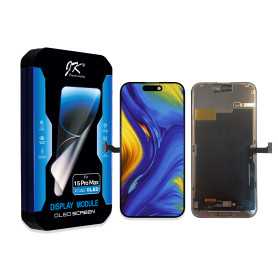
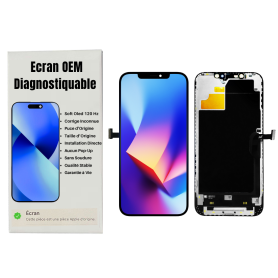
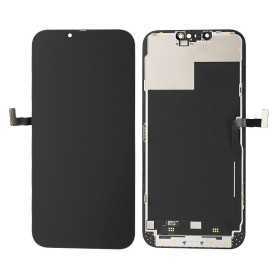
Screen iPhone 13 Pro Max (LTPS) JCID - Incell FHD1080p - Diagnosable - No Pop-up

Use Repair Assistant to Finish an iPhone or iPad Repair

On an iPhone 12 or later running iOS 18, when a new Apple screen is installed, “Finish Repair” will appear next to Screen until you complete the repair using the Repair Assistant


On an iPhone 12 or later running iOS 18, it is possible to reuse an original Apple screen on another iPhone of the same model.
The date of first use and the condition of the screen can be found in Settings > General > About > Parts & Service History.


How to Run Diagnostics & Finish Repair for iPhone Screen
1. Ensure your device is updated to iOS 18
2. Go to Settings > General > About > Parts & Service History
3. Tap "Restart & Finish Repair" to activate the Repair Assistant
4. Follow the on-screen instructions to complete the calibration
After completing this process, your screen will be fully functional, and there will be no pop-up warning about non-genuine parts.


Important Notes:

Your iPhone must be connected to Wi-Fi
Your battery level should be above 20%
If the process fails, restart your device and try again
If the repair is not completed, the screen may not function optimally, and some features (True Tone, Face ID) may be disabled until calibration is finalized


New
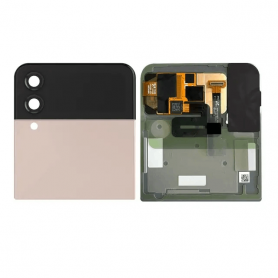
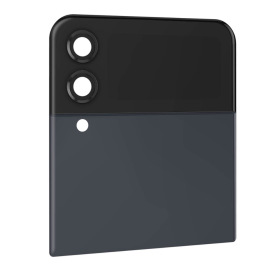
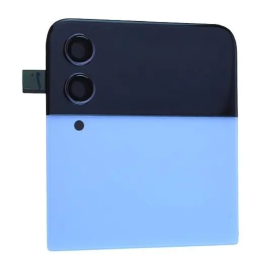
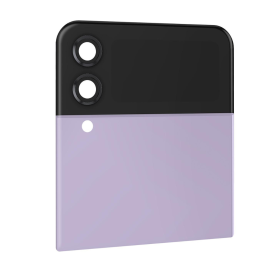
Samsung Galaxy Z Flip 4 5G (F721) Red Outer Screen (Original Disassembled) - Grade A
Certainly! Here's a concise description of the key features for the Samsung Galaxy Z Flip 4 5G (F721) Red Outer Screen (Original Disassembled) - Grade A:

Samsung Galaxy Z Flip 4 5G Red Outer Screen (Original Disassembled) - Grade A
Enhance the aesthetic and functionality of your Samsung Galaxy Z Flip 4 5G with this premium Red Outer Screen replacement. This component, in Grade A condition, promises not only to restore your device to peak performance but also to make a bold style statement.
Key Features:


Authentic Original Part: Designed by Samsung, ensuring the best fit and compatibility with the Galaxy Z Flip 4 5G (F721) model.


Elegant Red Finish: Adds a striking and vibrant look to your device, making it stand out in a sea of ordinary colors.


Grade A Quality: Denotes top-tier refurbishment standards with minimal to no visible wear and maintains optimal performance.


Disassembled Ready: Delivered as an original disassembled unit, making it ideal for professional installation or those experienced in device repairs.


Seamless Integration: Ensures a flawless fit, retaining the phone's original design aesthetics and structural integrity.


5G Compatible: Supports the device's cutting-edge 5G capabilities, ensuring you experience the fastest mobile connectivity without compromise.


Durable Construction: Built to withstand day-to-day wear, providing long-lasting protection and maintaining the sleek form factor of your device.
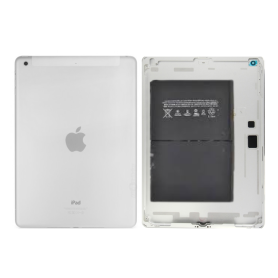

High Visibility: Offers excellent screen clarity and responsiveness, perfect for communication, media viewing, and more.


Eco-Conscious Choice: Opt for refurbishment and contribution to sustainable practices by reducing electronic waste.


Upgrade your Samsung Galaxy Z Flip 4 5G's outer appearance and performance with this genuine, Grade A outer screen replacement, embodying both style and substance.
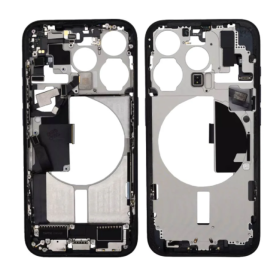
This description conveys the main features and benefits of the product, tailored for potential buyers seeking both aesthetic and functional enhancements.
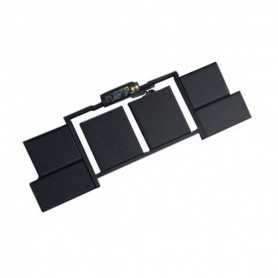
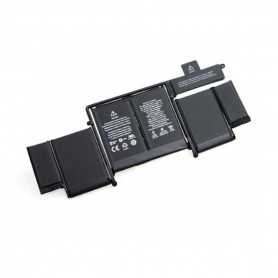
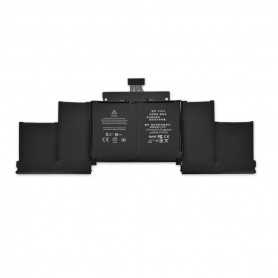
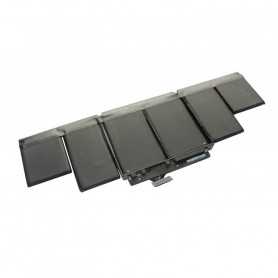
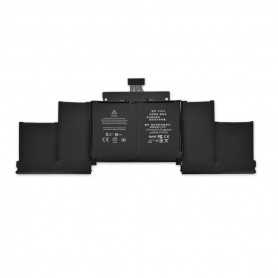
Battery A1417 Pour MacBook Pro Retina 15 " A1398
Caractéristiques :

Référence : A1417
Tension : 10.95V
Capacité : 8460 mAh
Type de cellule : Li-Polymer

Compatibilité :

MacBook Pro Retina 15" 2,3 Ghz - A1398 - EMC 2745
MacBook Pro Retina 15" 2,0 Ghz - A1398 - EMC 2674
MacBook Pro Retina 15" - A1398 - EMC 2673
MacBook Pro Retina 15" - A1398 - EMC 2512

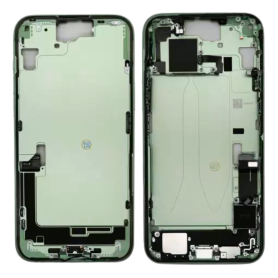
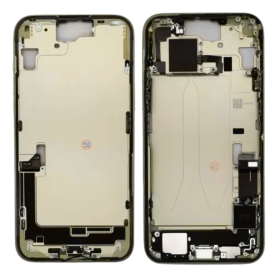
Screen iPhone 14 (OEM) Soft Oled - Diagnosable - No Pop-up

Use Repair Assistant to Finish an iPhone or iPad Repair

On an iPhone 12 or later running iOS 18, when a new Apple screen is installed,“Finish Repair” will appear next to Screen until you complete the repair using the Repair Assistant.


On an iPhone 12 or later running iOS 18, it is possible to reuse an original Apple screen on another iPhone of the same model.
The date of first use and the condition of the screen can be found in Settings > General > About > Parts & Service History.


How to Run Diagnostics & Finish Repair for iPhone Screen
1. Ensure your device is updated to iOS 18
2. Go to Settings > General > About > Parts & Service History
3. Tap "Restart & Finish Repair" to activate the Repair Assistant
4. Follow the on-screen instructions to complete the calibration
After completing this process, your screen will be fully functional, and there will be no pop-up warning about non-genuine parts.


Important Notes:

Your iPhone must be connected to Wi-Fi
Your battery level should be above 20%
If the process fails, restart your device and try again
If the repair is not completed, the screen may not function optimally, and some features (True Tone, Face ID) may be disabled until calibration is finalized


New
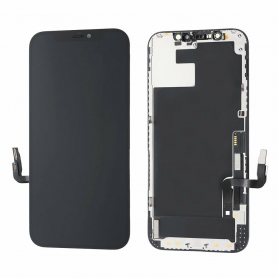
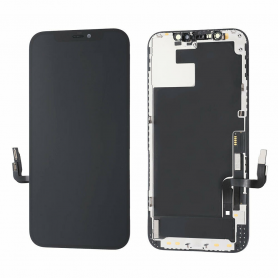
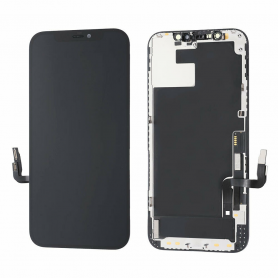
Screen iPhone 12 Pro Max (Hard OLED) ZY - Support IC Change
Key Features of Screen iPhone 12 Pro Max (OLED) - Support IC Change ZY


High-Quality Display: This screen is specifically designed for the iPhone 12 Pro Max, featuring an OLED display that offers exceptional color accuracy, deep blacks, and vibrant hues. Its high pixel density ensures every image and video appears sharp and lifelike.
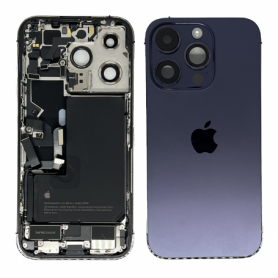

Support IC Change ZY Technology: The screen is equipped with Support IC Change ZY, enhancing the device’s performance by ensuring optimal compatibility and functionality. This feature aids in maintaining the responsiveness and overall efficiency of the touchscreen interface.
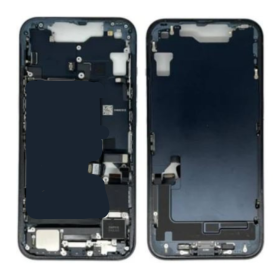

Enhanced Durability: Engineered with premium materials, this replacement screen is designed to withstand everyday wear and tear. Its robust construction reduces the risk of scratches and damage, extending the lifespan of the display.


Easy Installation: With precision manufacturing, this screen is crafted to perfectly fit the iPhone 12 Pro Max, ensuring a seamless installation process. It is tailored for minimal hassle during replacement, making it suitable even for those with no extensive technical expertise.

Touch Sensitivity: Experience an improved touch response that mirrors the original display. The high sensitivity of the touchscreen ensures precise navigation and uninterrupted user interaction, including swift app launches and smooth scrolling.

Energy Efficient: As an OLED panel, this screen is more energy-efficient compared to traditional LCD screens, contributing to longer battery life and reduced power consumption without compromising on display quality.


Comprehensive Support: Backed by a reliable warranty and customer support, this product ensures peace of mind with dedicated assistance available for resolving any installation queries or product issues.


This Screen for the iPhone 12 Pro Max combines quality, innovation, and user-friendly features, making it an ideal choice for anyone needing a reliable and high-performance replacement screen.
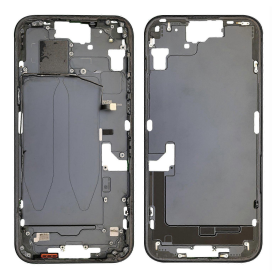
Screen iPhone 13 (OEM) Soft Oled - Diagnosable - No Pop-up

Use Repair Assistant to Finish an iPhone or iPad Repair

On an iPhone 12 or later running iOS 18, when a new Apple screen is installed,“Finish Repair” will appear next to Screen until you complete the repair using the Repair Assistant.


On an iPhone 12 or later running iOS 18, it is possible to reuse an original Apple screen on another iPhone of the same model.
The date of first use and the condition of the screen can be found in Settings > General > About > Parts & Service History.


How to Run Diagnostics & Finish Repair for iPhone Screen
1. Ensure your device is updated to iOS 18
2. Go to Settings > General > About > Parts & Service History
3. Tap "Restart & Finish Repair" to activate the Repair Assistant
4. Follow the on-screen instructions to complete the calibration
After completing this process, your screen will be fully functional, and there will be no pop-up warning about non-genuine parts.


Important Notes:

Your iPhone must be connected to Wi-Fi
Your battery level should be above 20%
If the process fails, restart your device and try again
If the repair is not completed, the screen may not function optimally, and some features (True Tone, Face ID) may be disabled until calibration is finalized